We’re big fans of celebrating milestones here at Zendesk, and now that we have more than 90 integrations we thought it was a good time to look back and celebrate our very first and one of our most popular: Harvest for Zendesk!
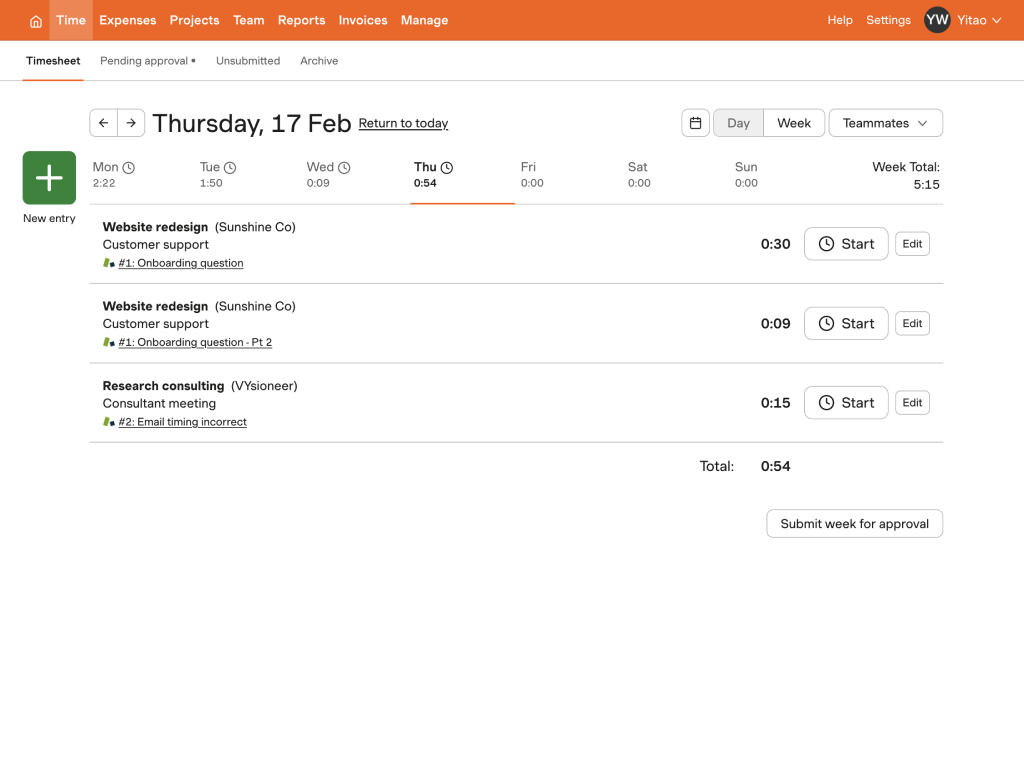
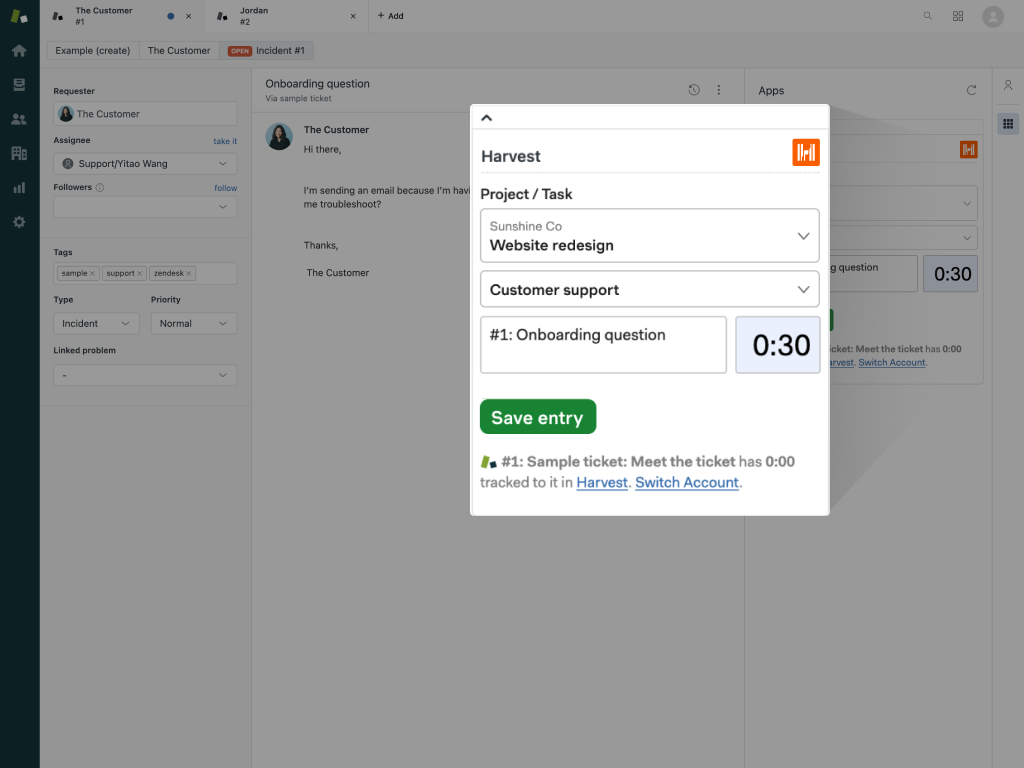
We first integrated with Harvest back in February 2008. Harvest serves the time tracking and billing needs of thousands of customers from around the world, from freelancers to Fortune 500 companies. Customers love it because it makes tracking the amount of time spent on answering and resolving customer service inquiries a breeze. And now a recent update to the integration makes it easier than ever, with features such as:
- A new start/stop timer that makes it easy to track the amount of time spent on a specific ticket
- New shared login session with Harvest means once you log into Harvest via the widget, you’re automatically logged into both systems
- Projects and tasks for a new time entry are automatically matched, and can be configured to match your most frequently used projects or tasks
- A quick link back to the Harvest timesheet for logged in Harvest users, as well as a quick link back to that associated Zendesk ticket from Harvest time entry
Learn more about Harvest for Zendesk, including how to get started, in our forum post!