20 Best Salesforce alternatives and competitors for 2026
Find the right Salesforce alternative for your team—without the complexity or cost.

Last updated July 31, 2026
Why teams are looking for Salesforce alternatives
Salesforce has announced its intent to acquire Fin (formerly Intercom). As the customer service software market continues to evolve, buyers should evaluate platforms based on current capabilities, implementation complexity, AI readiness, and long-term product strategy.
Customer expectations are rising, and clunky service tools can slow teams down when speed and consistency matter most. According to Nucleus Research, some Salesforce users struggle with unintuitive interfaces, technical debt, and excessive reliance on IT—resulting in higher total cost of ownership.
If Salesforce feels too complex, costly, or resource-heavy for your business, a CX-focused alternative may be a better fit. To simplify your search, we’ve rounded up the top 20 Salesforce alternatives and competitors to help you find a solution that fits your team’s size, budget, and service goals.
More in this guide:
- Best Salesforce alternatives and competitors at a glance
- A deep dive into the top 20 competitors and alternatives to Salesforce
- How to choose the best alternative to Salesforce
- Frequently asked questions
- A simpler way to run customer conversations than Service Cloud
Best Salesforce alternatives and competitors at a glance
The chart below shows Salesforce competitors to help you quickly identify the software that’s the best fit for your needs.
|
Salesforce alternative |
Best for |
Starting price |
Free trial |
|
AI-powered CX |
$19 per agent/month (billed annually) |
14 days | |
|
Microsoft ecosystem |
$60 per user/month |
30 days | |
|
CRM |
$0 per user/month (limited tools) |
15 days | |
|
Marketing automation |
$0 per user/month (limited tools) |
14 days | |
|
Visualizing sales pipelines |
$14 per seat/month (billed annually) |
14 days | |
|
Sales CRM |
$9 per user/month |
21 days | |
|
Open-source CRM |
$0 for one app |
14 days | |
|
Marketing campaign management |
$59 per user/month (billed annually) |
Unavailable | |
|
Workflow management |
$0 per month (two seats) |
14 days | |
|
Project management |
$29 per user/month (billed annually) |
14 days | |
|
Team collaboration |
$0 per month (limited tools) |
15 days | |
|
Enterprise resource planning |
Contact sales |
Unavailable | |
|
Lead management |
$139 per user/month |
30 days | |
|
KPI tracking |
$40 per user/month (billed annually) |
14 days | |
|
Sales forecasts |
Contact sales |
Unavailable | |
|
Google Workspace |
$9 per seat/month (billed annually) |
14 days | |
|
E-commerce |
$299 per month (two users, billed annually) |
14 days | |
|
AI-powered CRM |
Contact sales |
Unavailable | |
|
Sales, marketing, and support management |
$0 for single app user |
15 days | |
|
Shopify customer support |
$40 per month (billed monthly) |
7 days |
A deep dive into the top 20 competitors and alternatives to Salesforce
Salesforce is a well-known platform, but it isn’t the right fit for every business. The alternatives below offer different strengths across customer service, sales, marketing, automation, analytics, and work management. Compare the top 20 Salesforce competitors to find the platform that best matches your team’s needs, budget, and growth plans.
1. Zendesk
Best for AI-powered CX
|
Starting price |
Free trial |
Key features |
|
$19 per agent/month billed annually Explore more Zendesk pricing plans. |
14 days |
|
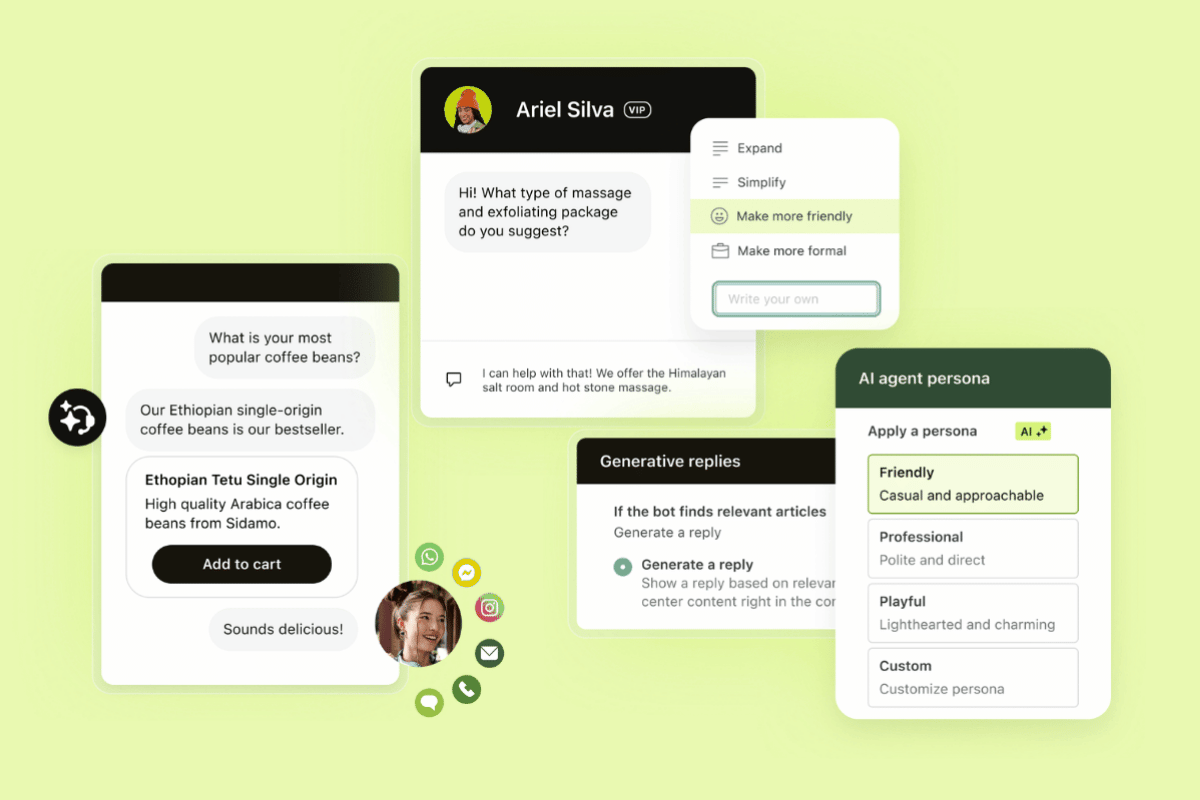
Zendesk is the complete service solution for the AI era, built to deliver faster, more consistent customer experiences without adding complexity. The Zendesk Resolution Platform brings AI, people, knowledge, data, workflows, and channels together so teams can resolve issues efficiently across the entire service journey.
Zendesk AI is built into the platform, so teams can automate service, support agents, improve knowledge, and monitor quality from one connected workspace. AI agents resolve customer requests across channels, agent copilot gives agents real-time guidance and suggested replies, and Zendesk Quality Assurance scores interactions to surface coaching opportunities and service risks.
Zendesk also gives teams the flexibility to adapt quickly. With no-code and low-code tools, prebuilt integrations, custom workflows, and real-time analytics, businesses can iterate without heavy IT cycles.
Additionally, Nucleus Research found that Zendesk users who switched from Salesforce Service Cloud reported faster time to value, greater ease of use, and a 43 percent reduction in total cost of ownership. All this makes Zendesk a strong Salesforce alternative for teams that want scalable customer service software with fast time-to-value, clear governance, and lower operational burden.
|
Pros |
Cons |
|
|
What people are saying:
- “The latest evolution of Zendesk’s AI Agents is a total game-changer, primarily because the bot has moved away from rigid, ‘if-this-then-that’ scripts to a more fluid, Generative AI model.”—Verified user, G2 review.
- “I like how Zendesk is leaning heavily into AI-powered automation, especially with AI agents that can resolve common support queries instantly while still handing off complex issues smoothly to human agents.”—Verified user, G2 review.
- “I still really appreciate having cross channel support with email, calls, and chats all in one central platform. One thing I’ve continued to value is how easy it is to review a customer’s full ticket history, which helps provide better context and continuity when assisting them.”—Verified user, G2 review.

2. Microsoft Dynamics 365
Best for Microsoft ecosystem
|
Starting price |
Free trial |
Key features |
|
$60 per user/month |
30 days |
|
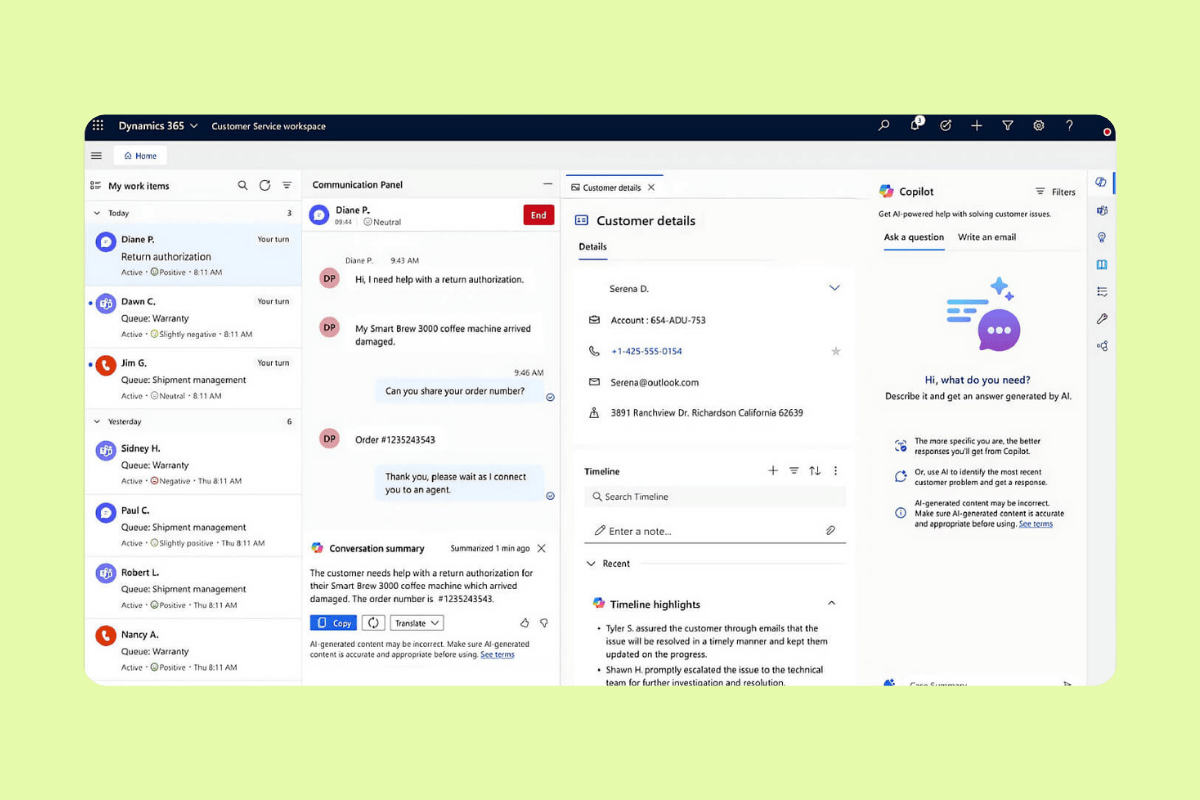
Microsoft Dynamics 365 encompasses a suite of products that include CRM, customer service, and enterprise resource planning (ERP) software. And since it’s part of the Microsoft ecosystem, Dynamics 365 integrates with other products like Microsoft 365 (formerly Office) and Teams. Its intelligent routing capabilities help automate workflows by routing leads, opportunities, and cases to the appropriate team members.
Additionally, Dynamics 365 incorporates knowledge management tools, facilitating the creation, organization, and access to information within the system. The platform employs AI to analyze data, predict trends, and offer insights, enabling businesses to make data-driven decisions and tailor their strategies.
|
Pros |
Cons |
|
|
What people are saying:
- “What I like best about Dynamics 365 Sales is its integration with the Microsoft ecosystem, which makes managing customer relationships, tracking opportunities, and analyzing sales performance much easier.” - Verified user, G2.
- “The main challenge with Dynamics 365 Sales is the learning curve. It can take some time for users to become familiar with all the features and customization options available.” - Verified user, G2.
- “I find that the tool is sometimes difficult to handle.” - Verified user, G2.
Learn more: Discover how Microsoft Dynamics 365 integrates with Zendesk and/or how Zendesk vs. Microsoft Dynamics 365 compare.
3. Zoho
Best for CRM
|
Starting price |
Free trial |
Key features |
|
$0 per user/month (limited tools) |
15 days |
|
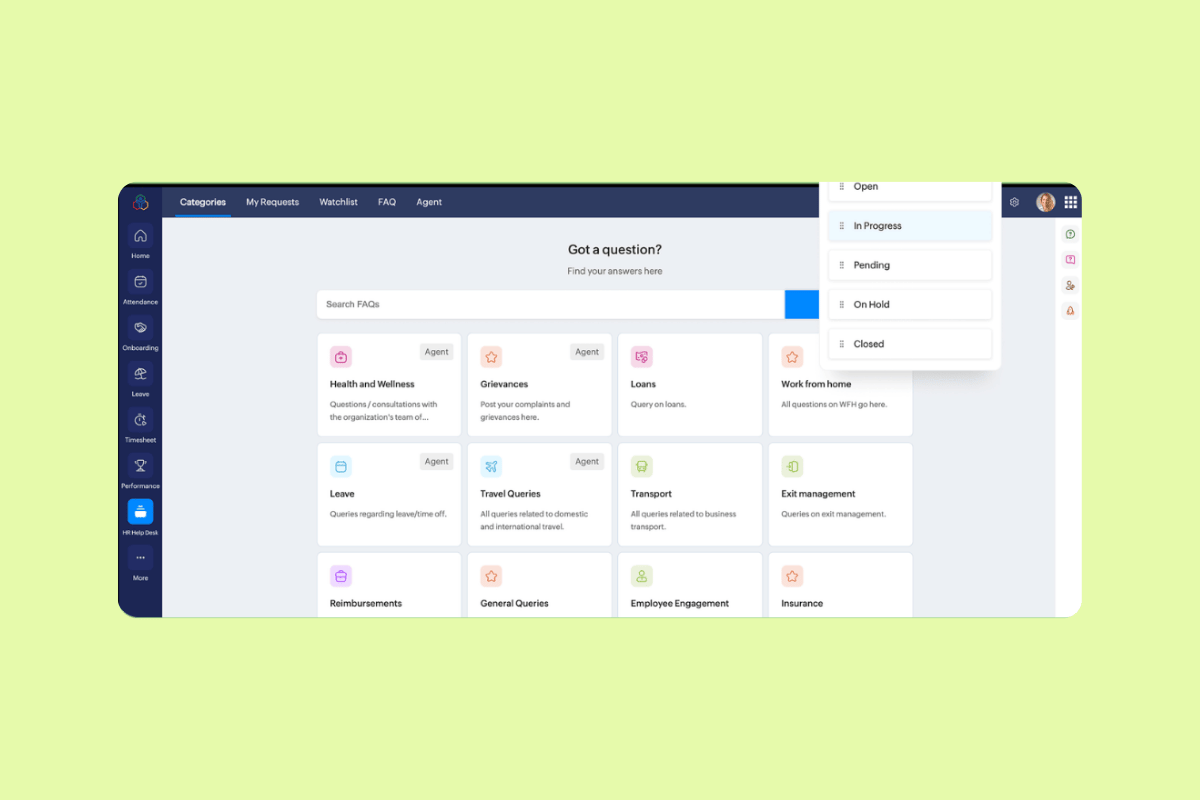
Zoho provides a suite of business software applications, from CRM and email marketing to accounting and project management. Its CRM system encompasses sales and marketing automation, analytics, and communication across channels. It also has a customer service platform that lets agents manage tickets and enables customer self-service.
Zoho's AI-driven assistant, Zia, provides predictive sales analytics, lead scoring, and sentiment analysis, informing businesses so they can properly prioritize their efforts. Additionally, Zoho has tools to aid knowledge management, helping customer service teams create, organize, and share content.
|
Pros |
Cons |
|
|
What people are saying:
- “What I like most is that it keeps everything in one place, and I like how easy it is to stay organized.” - Verified user, G2.
- “One downside of Zoho CRM is that some advanced features can feel complex and take time to learn for new users.” - Verified user, G2.
- “While the platform is very flexible, some common workflows still need more configuration than expected.” - Verified user, G2.
Learn more: Discover how Zoho integrates with Zendesk and/or how Zendesk vs. Zoho compare.
4. HubSpot
Best for marketing automation
|
Starting price |
Free trial |
Key features |
|
$0 per user/month (limited tools) |
14 days |
|
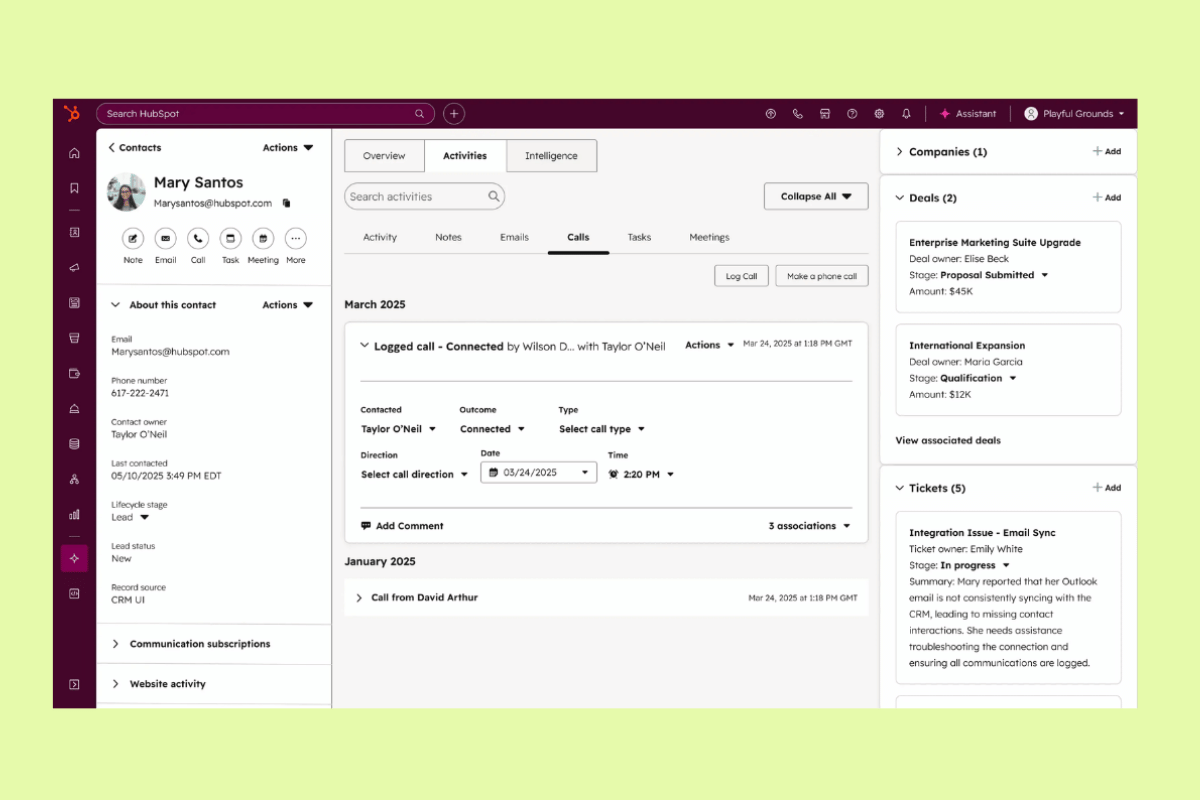
HubSpot is primarily known for its inbound marketing and sales software but also offers tools for customer service. The CRM system centralizes customer data, allowing businesses to track interactions, manage leads, and analyze sales pipelines. Businesses can use pre-built sales and performance reports or customize their own to track specific data.
On the customer service front, HubSpot offers a knowledge base for businesses to create and share informative articles. It also offers ticketing tools that help teams manage and prioritize support requests. Additionally, HubSpot's live chat and chatbot functionalities facilitate customer communication. The chatbots can qualify leads, schedule appointments, and answer common questions.
|
Pros |
Cons |
|
|
What people are saying:
- “I love the visibility we get from HubSpot in terms of how we're engaging different segments of our market (customers, churned customers, net new prospects, etc.). The integrations with other tools in our stack are immensely valuable. And the automations/workflows capabilities are super robust and easy to work with.” - Verified user, G2.
- “The main downside is pricing. Costs scale quickly as your contact list grows and as you add hubs or move into higher tiers, and several features I'd consider essential sit behind the more expensive plans, so the jump between tiers can feel steep for a smaller team.” - Verified user, G2.
- “The pricing is a bit high, especially as you scale up and add more contacts or features.” - Verified user, G2.
Learn more: Discover how HubSpot integrates with Zendesk and/or how Zendesk vs. HubSpot compare.
5. Pipedrive
Best for visualizing sales pipelines
|
Starting price |
Free trial |
Key features |
|
$14 per seat/month (billed annually) |
14 days |
|
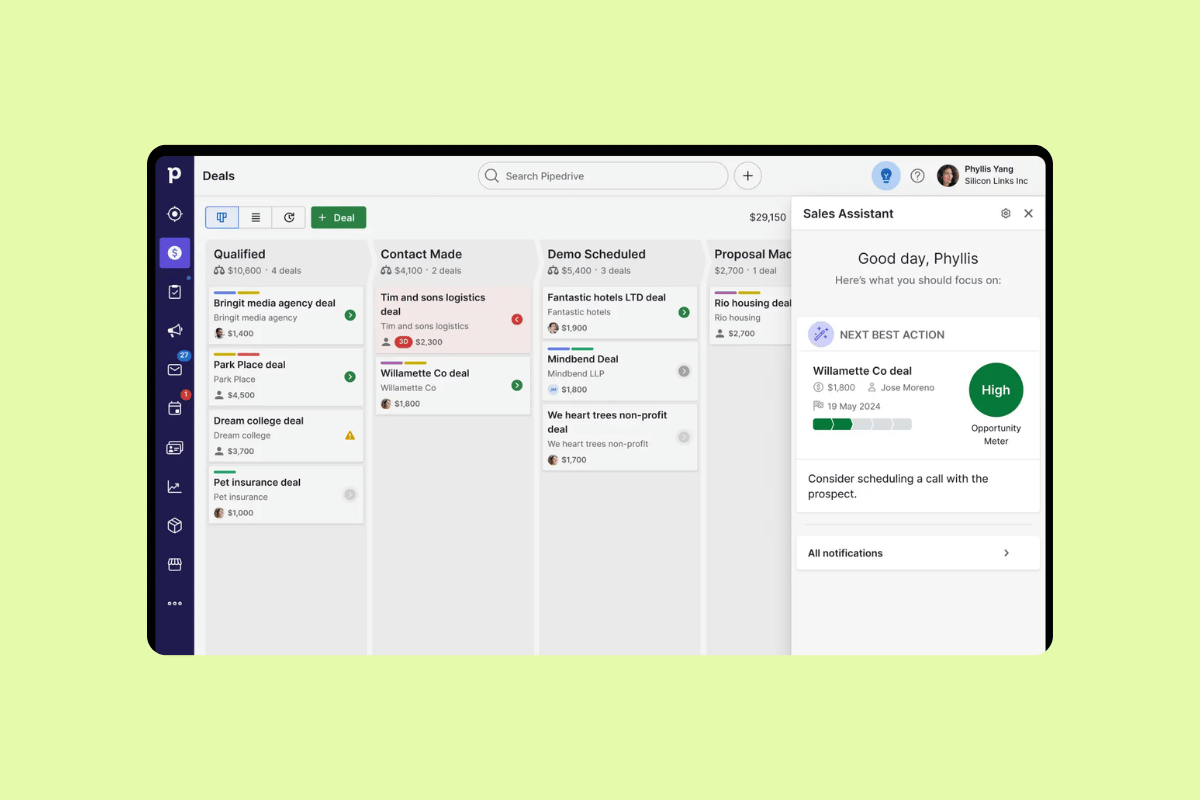
Pipedrive is a CRM software that helps sales teams manage leads and track communication. The platform’s visual sales pipeline allows users to monitor deals at various stages and identify potential bottlenecks. It also lets users drag and drop deals between stages and get an overview of their sales progress.
Plus, the software can automate repetitive administrative tasks, and email tracking notifies users when somebody opens their emails, providing timely details into audience engagement. Additionally, its reporting and analytics tools can give sales teams insights into their performance to help refine strategies, including forecasting projected revenue.
|
Pros |
Cons |
|
|
What people are saying:
- “What I value most is how simple and intuitive Pipedrive is to use, which matters a lot when you need a whole commercial team adopting it consistently.” - Verified user, G2.
- “Pipedrive feels a bit limited if you need very detailed analytics. There’s also a slight learning curve when setting up automations and integrations for the very first time. Making it a bit harder for first-time users to settle with the platform.” - Verified user, G2.
- “One thing I dislike about Pipedrive is that some useful features, like advanced reporting and certain automations, are only available in the higher-priced plans.” - Verified user, G2.
Learn more: Discover how Pipedrive integrates with Zendesk.
6. Freshworks
Best for sales CRM
|
Starting price |
Free trial |
Key features |
|
$9 per user/month |
21 days |
|
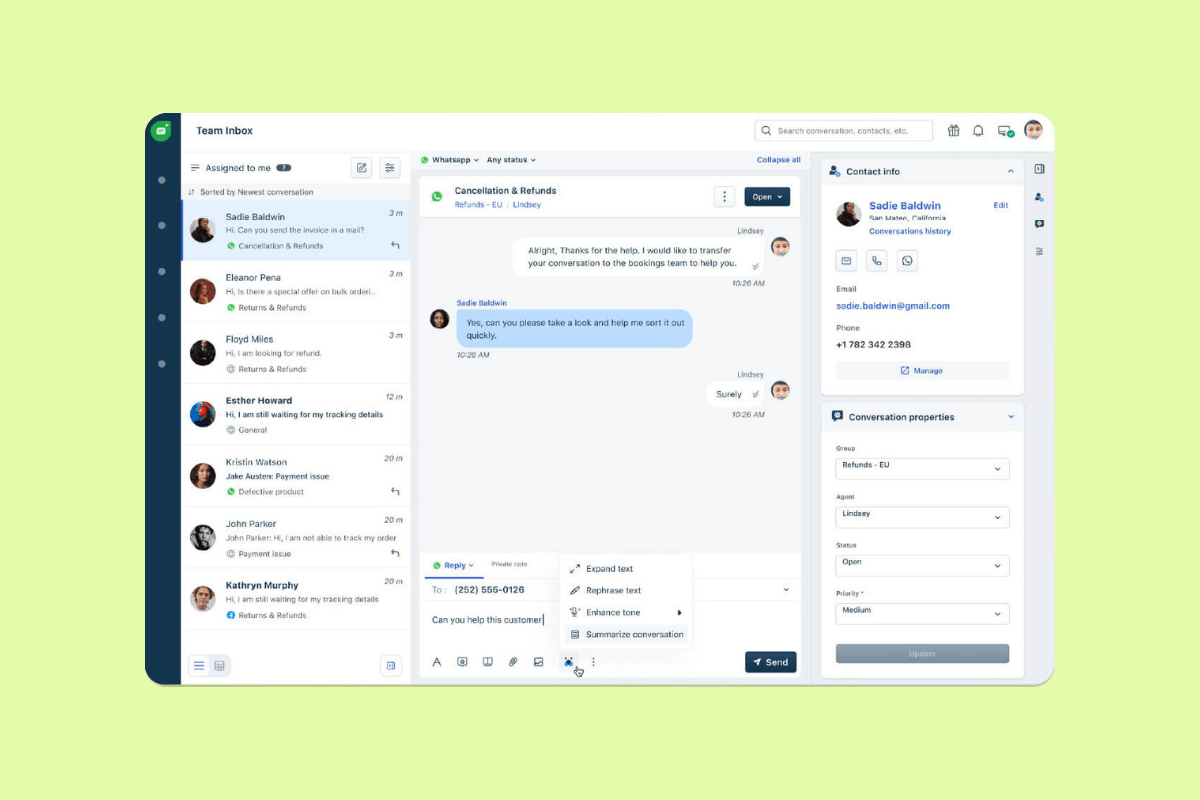
Freshworks offers Freshsales, a CRM platform for sales teams that need pipeline management, customer communication, and reporting in one system. Its CRM includes contact, account, and deal management, plus built-in chat, email, and phone capabilities for teams that want to manage outreach without switching tools.
Freshsales also includes Freddy AI features on higher-tier plans, such as contact scoring, sales email generation, deal insights, and forecasting insights. The platform may work best for startups and small or midsize teams that want basic sales automation, communication tools, and reporting in a single CRM.
|
Pros |
Cons |
|
|
What people are saying:
- “The interface is fairly clean and doesn’t feel overwhelming once you get used to it. I also found the automation side genuinely useful.” - Verified user, G2.
- “Pricing can be steep the more agents onboard, also for AI tools.” - Verified user, G2.
- “The initial setup wasn’t as straightforward as I hoped. Getting the CMDB structured in a way that actually reflects real-world dependencies took time and some trial and error. If you don’t invest that effort early, the value drops quickly.” - Verified user, G2.
Learn more: Discover how Zendesk vs. Freshworks compare.
7. Odoo
Best for open-source CRM
|
Starting price |
Free trial |
Key features |
|
$0 for one app |
14 days |
|
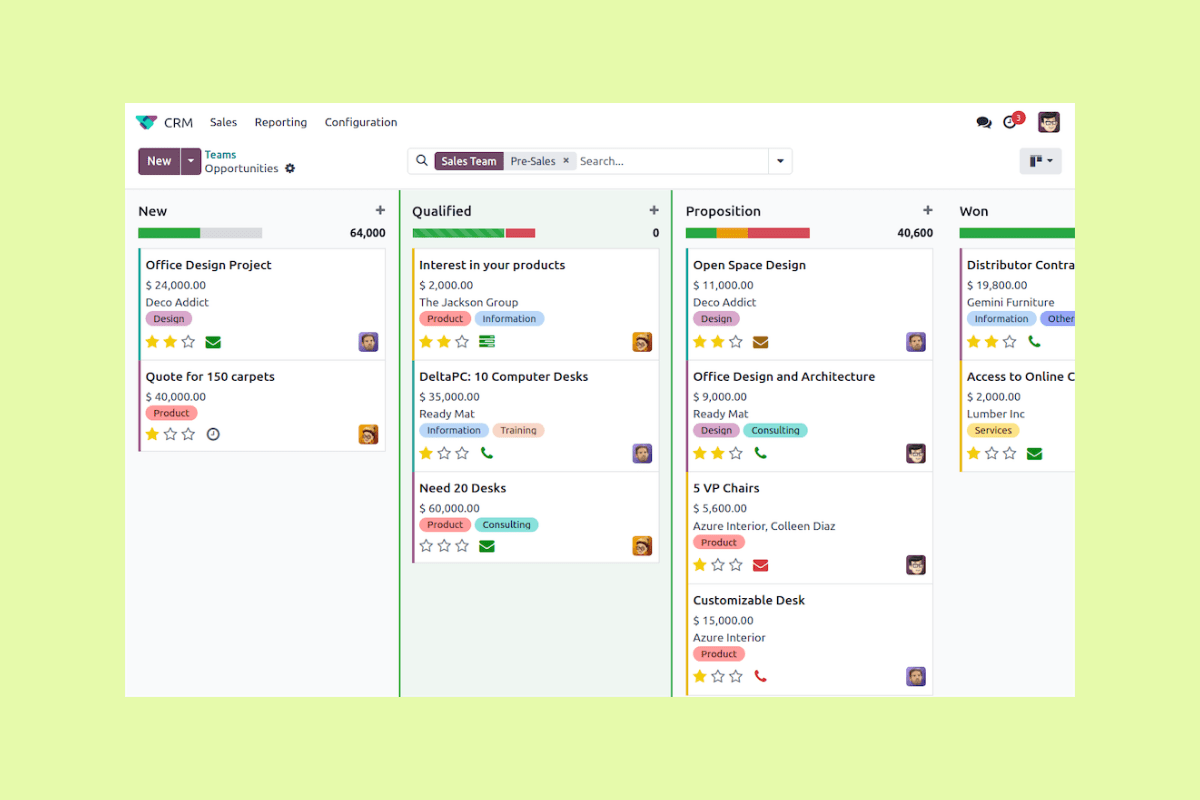
Odoo offers open-source business applications, including CRM, sales, accounting, inventory, HR, project management, and e-commerce tools. Its CRM gives teams a way to manage prospects, track sales activities, organize opportunities, and view sales KPIs from a CRM dashboard.
Odoo may fit businesses that want CRM capabilities connected to broader ERP workflows. Teams can use one app for free or choose a paid plan that includes all Odoo apps, which may appeal to companies managing sales, operations, finance, and inventory in one ecosystem.
|
Pros |
Cons |
|
|
What people are saying:
- "I like how easy it is to customize, you can shape the pipeline exactly how your sales process works, automate follow ups and integrate it with other Odoo apps like invoicing and marketing." - Verified user, G2.
- "The downside is that it can get a bit overwhelming, especially if you are new to it." - Verified user, G2.
- "The flexibility can also mean a steeper learning curve compared with simpler CRMs. Some configuration and setup are required before teams get the most value from it." - Verified user, G2.
8. SugarCRM
Best for marketing campaign management
|
Starting price |
Free trial |
Key features |
|
$59 per user/month (billed annually) |
Unavailable |
|
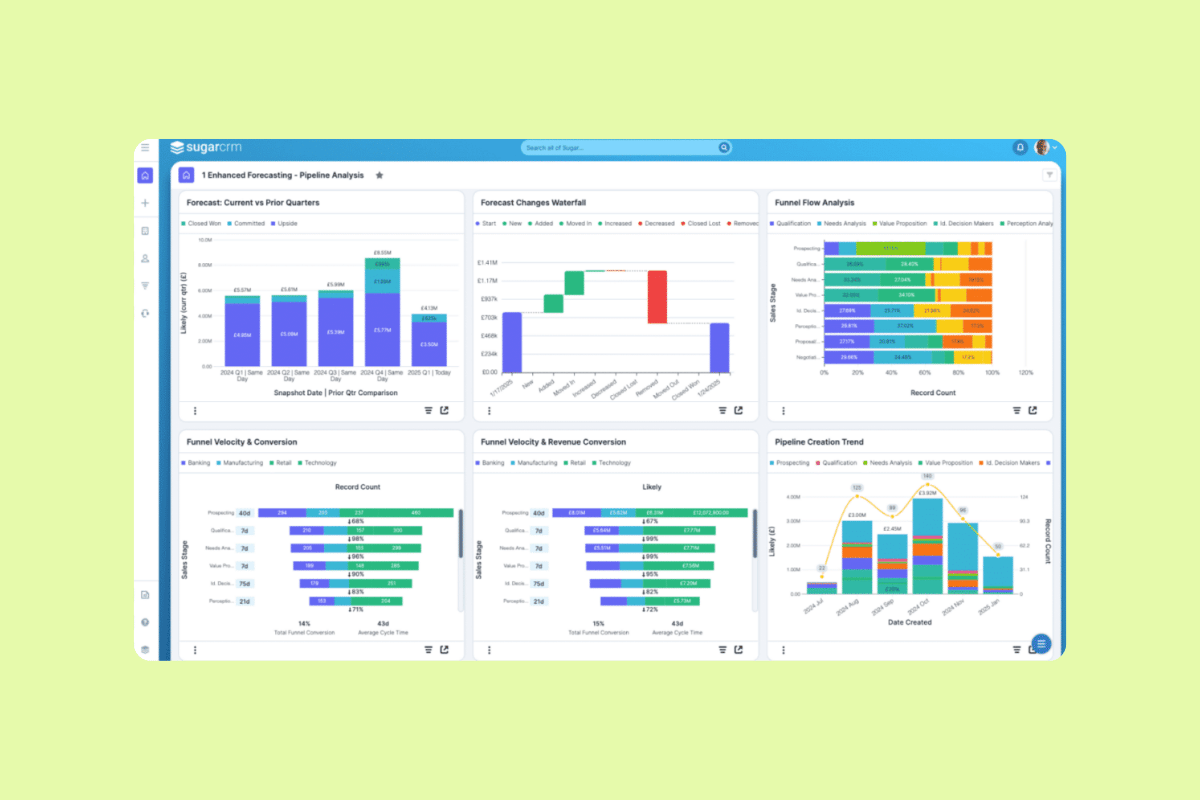
SugarCRM is a versatile CRM software that delivers marketing and customer service tools. Its sales automation tools assist sales teams in managing leads, opportunities, and accounts, ensuring that potential deals are nurtured and tracked through the sales pipeline. The platform also offers analytics and reporting capabilities, enabling businesses to derive insights from their data and make informed decisions.
SugarCRM offers a case management system for customer support, assisting agents with tracking and resolving customer inquiries. The platform's marketing automation features include campaign management and email marketing, allowing businesses to target their audience and measure their marketing efforts' return on investment (ROI).
|
Pros |
Cons |
|
|
What people are saying:
- "I find SugarCRM to be highly flexible and it allows for great customization. I like the AI-powered predictive analytics, which helps in lead scoring and the predictability of conversion." - Verified user, G2.
- "Because it is so customizable, it can feel "heavy" or "clunky" for a brand-new user. The interface is clean, but there are a lot of buttons and modules." - Verified user, G2.
- "The interface feels a bit outdated, and setup can be time-consuming without guidance." - Verified user, G2.
9. monday.com
Best for workflow management
|
Starting price |
Free trial |
Key features |
|
$0 per month (two seats) |
14 days |
|
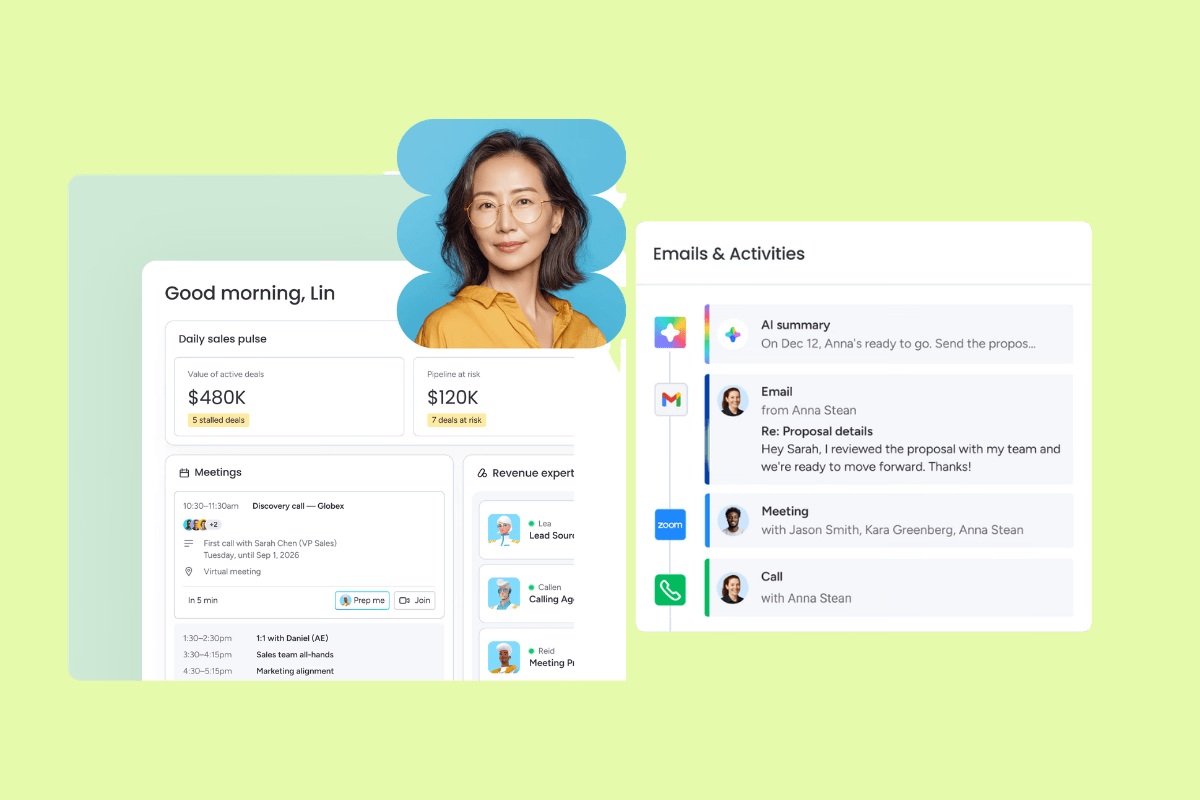
As a work management software, monday.com can help teams manage projects, tasks, and workflows. With its drag-and-drop capabilities and integration options, monday.com is a viable Salesforce competitor. Its customizable boards and workflows let users set up trackers for specific projects, departments, or processes.
The platform supports automations, allowing users to define triggers and actions to automate repetitive tasks and processes. For instance, when a task status changes to “Completed,” an automation can notify a team member or move the task to another board. Businesses can also use monday.com as a CRM or use its collaboration tools, like real-time commenting and file sharing.
|
Pros |
Cons |
|
|
What people are saying:
- “It’s been very easy to use and integrate, and it was simple to get my staff to start using all the platforms I’ve created. I really like the automations I can set up because they help me monitor performance.” - Verified user, G2.
- “What I dislike about monday CRM is that it can take a bit of time to set up properly so it works the way you need it to.” - Verified user, G2.
- “Monday CRM can get costly if your team needs more features or extra users.” - Verified user, G2.
Learn more: Discover how monday.com integrates with Zendesk.
10. Insightly
Best for project management
|
Starting price |
Free trial |
Key features |
|
$29 per user/month (billed annually) |
14 days |
|
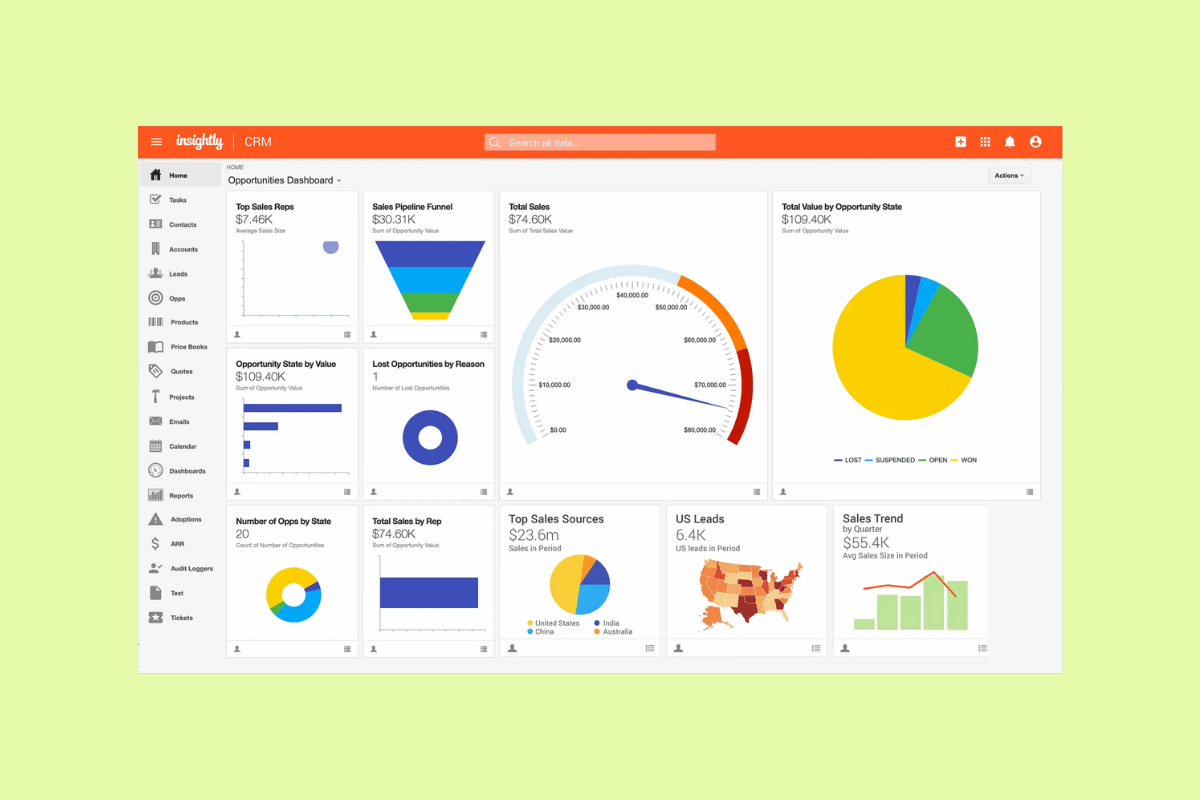
Insightly is cloud-based CRM software that offers customer service and marketing tools. With Insightly CRM, users can manage contacts and sales opportunities and monitor all customer touchpoints. The platform provides relationship linking, allowing users to understand the connections between contacts, organizations, and projects.
Insightly offers task tracking, milestone setting, and workflow automation for project management. The software’s reporting and analytics tools also enable businesses to measure performance and identify trends, and the dashboard can track keywords in tickets and provide an SLA countdown. Since Insightly offers an all-in-one plan that includes their CRM, marketing, and customer service software, businesses can attain a 360-degree view of their customers.
|
Pros |
Cons |
|
|
What people are saying:
- "The platform is simple to use and keeps all my business information in one place. I especially like the user-friendly interface and the straightforward contact management features." - Verified user, G2.
- "Some advanced features can take a little time to learn, and reporting options could be more customizable." - Verified user, G2.
- "One downside of Insightly CRM is that some advanced features and customisation options can feel limited compared to more complex CRM systems." - Verified user, G2.
11. Bitrix24
Best for team collaboration
|
Starting price |
Free trial |
Key features |
|
$0 per month (limited tools) |
15 days |
|
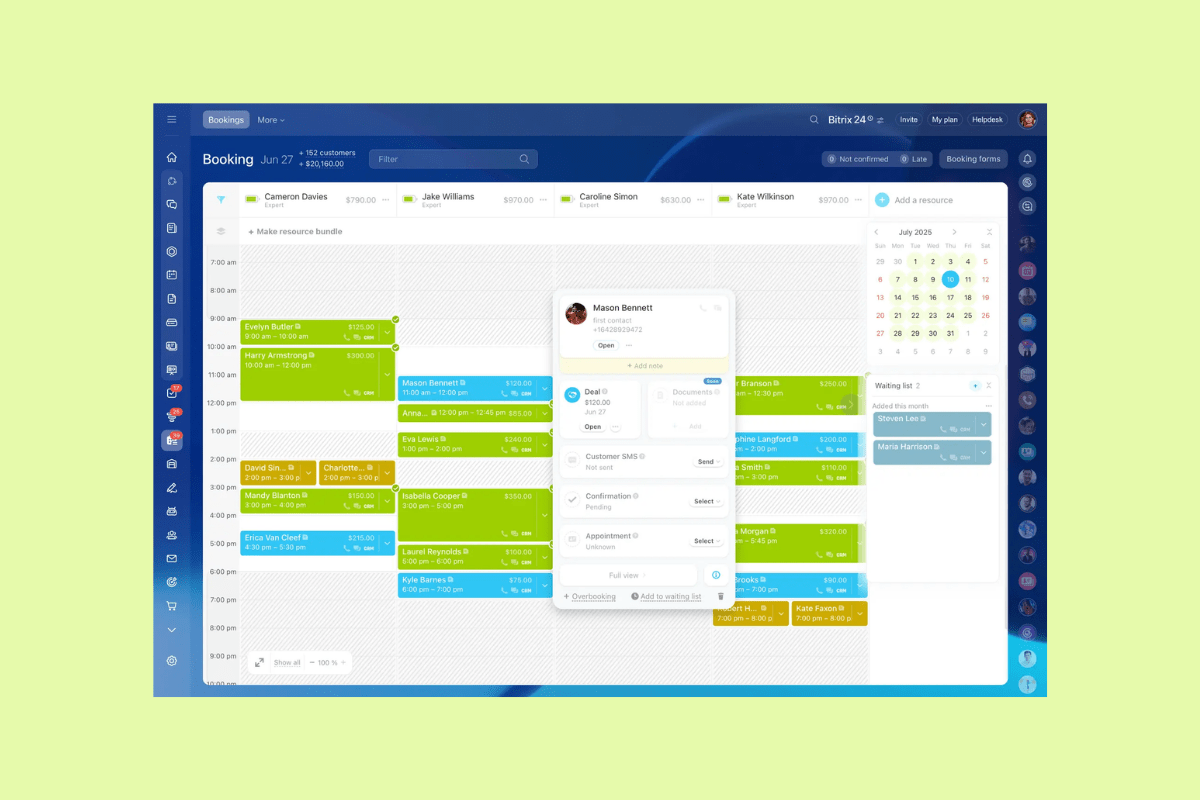
Bitrix24 is a collaboration platform that combines different business tools, making it a suitable alternative to Salesforce. The software lets organizations choose the deployment method that best suits their needs, either cloud-based or on-premise. Its CRM system provides sales automation and analytics tools so businesses can track customer interactions and analyze sales performance.
The platform's project management and task-tracking capabilities allow teams to plan, coordinate, and monitor projects in real time. Communication tools, including chat, video conferencing, and social intranet, foster team collaboration. Additionally, Bitrix24 offers document management, workflow automation, and time-tracking functionalities.
|
Pros |
Cons |
|
|
What people are saying:
- What I like best about Bitrix24 is that it brings many tools into one place. I can manage contacts, track communication, assign tasks, and keep everything organized without switching between different apps. It helps improve productivity and makes daily work much easier." - Verified user, G2.
- "Bitrix24 can feel a bit complex at the beginning because it has so many features. The interface can sometimes be overwhelming, and it takes time to learn where everything is. Also, it can feel slower when using advanced features." - Verified user, G2.
- "It is powerful, but the learning curve can feel steep at first. Some features are tucked away or require extra setup, which can be overwhelming for new users." - Verified user, G2.
12. Oracle NetSuite
Best for enterprise resource planning
|
Starting price |
Free trial |
Key features |
|
Contact sales |
Unavailable |
|
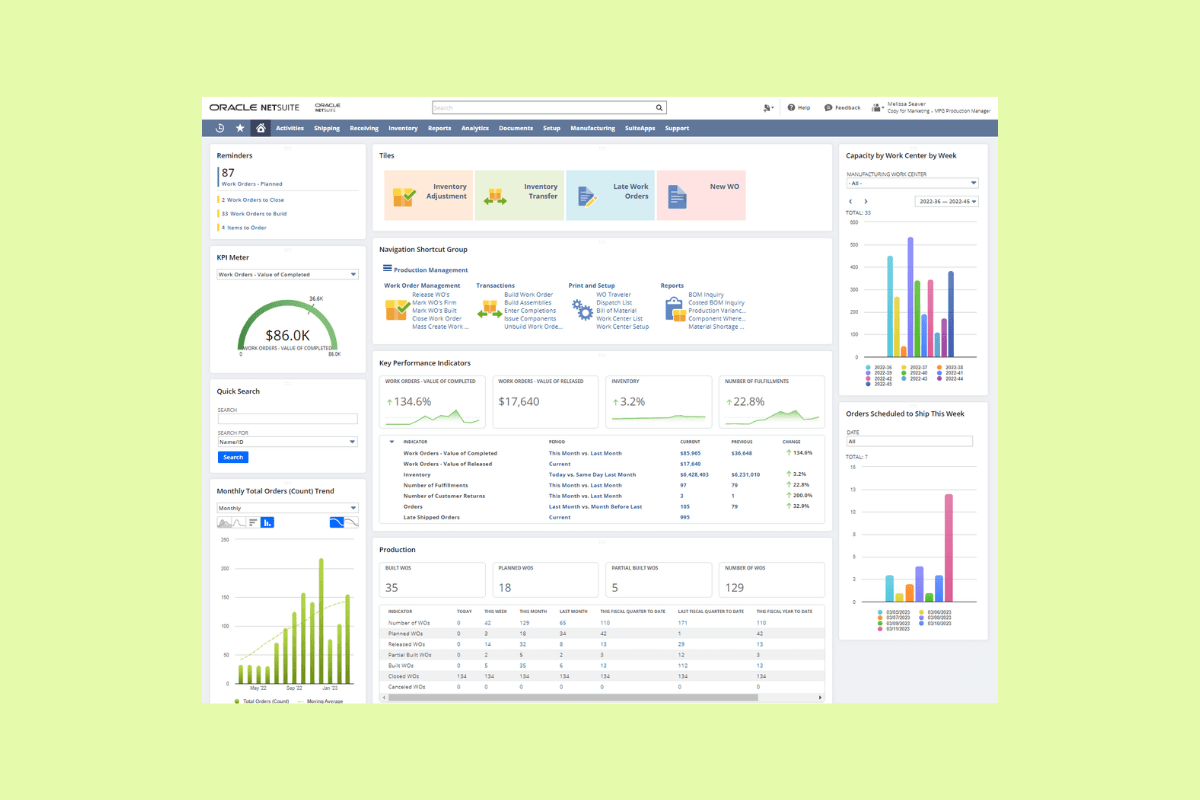
Oracle NetSuite is a cloud-based ERP and business management software. Companies use it to manage customer relationships, financials, and broader organizational operations. Oracle NetSuite analytics and reporting tools assist organizations in making data-driven decisions in real time.
Its financial management tools help organizations oversee their accounting, invoicing, and budgeting reports. It offers CRM capabilities, allowing businesses to track leads, sales opportunities, and customer interactions while providing insights into customer behavior. It also includes e-commerce and inventory management tools for online stores.
|
Pros |
Cons |
|
|
What people are saying:
- “What I like best about NetSuite is its ability to bring all core business processes into a single, integrated platform. It provides strong visibility across finance, operations, and supply chain, which helps improve decision-making and efficiency.” - Verified user, G2.
- “The biggest challenges are the complexity of reporting and the amount of setup required to support operational and financial analysis. Building meaningful reports often requires advanced knowledge of saved searches, custom records, and system configurations.” - Verified user, G2.
- “It's hard to customize certain areas without having to use custom scripts (that we can't do ourselves and have to use our NetSuite consultant to do this for us at an added cost).” - Verified user, G2.
Learn more: Discover how Zendesk vs. Oracle compare.
13. SAP
Best for lead management
|
Starting price |
Free trial |
Key features |
|
$139 per user/month |
30 days |
|
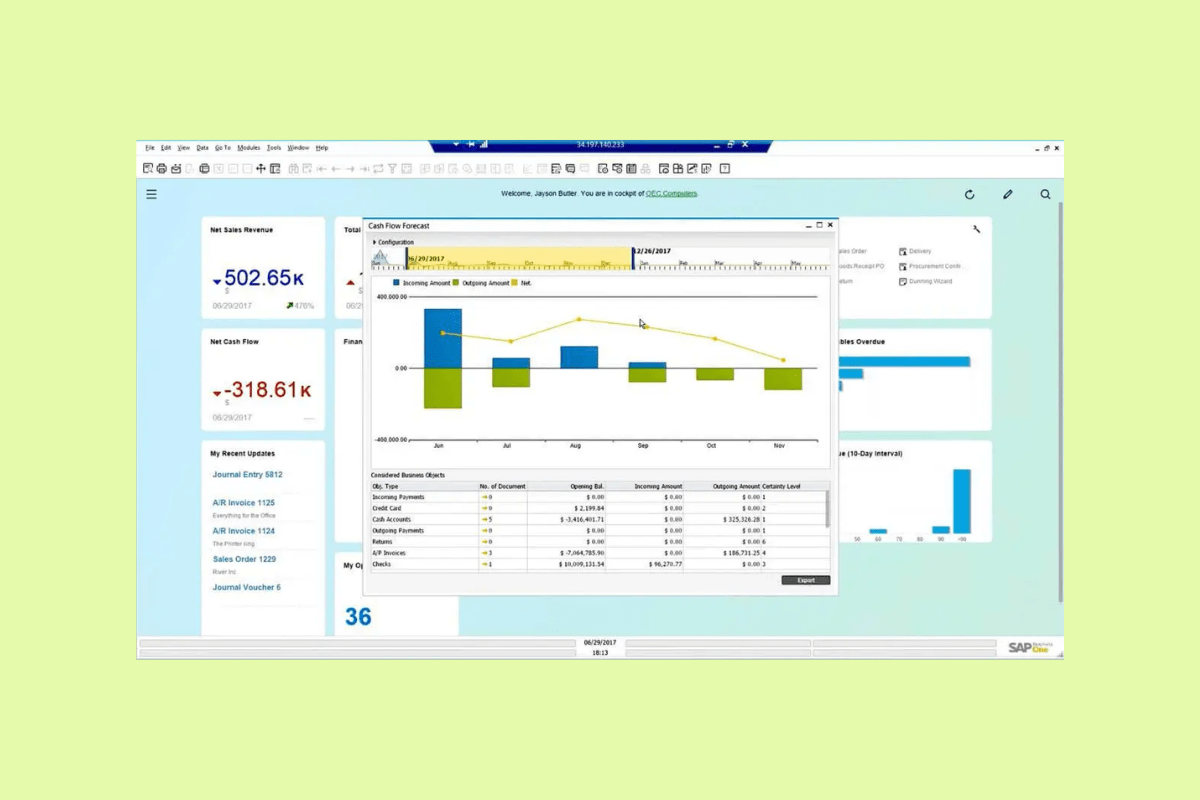
SAP is a multinational software company known for its enterprise-level software solutions. One of SAP's offerings is its CRM and CX software solutions, which help businesses manage customer interactions. SAP marketing automation tools can help businesses create and execute targeted marketing campaigns, segment customer data, and measure the effectiveness of marketing efforts.
The sales module allows for lead management, opportunity tracking, and sales forecasting. Meanwhile, the service module offers case management, ticketing, and service analytics. SAP CRM and CX solutions also include customer analytics, providing insights into customer behaviors and preferences. The Joule copilot gives businesses access to generative AI to assist with customer interactions or data analysis.
|
Pros |
Cons |
|
|
What people are saying:
- "I love how easy it is to track leads and manage deals in SAP Sales Cloud. The interface is clean and straightforward, which makes it simple to stay organized." - Verified user, G2.
- "It was a bit tricky to set up at first, and I had to rely on a few external tutorials to get things running smoothly." - Verified user, G2.
- "The user interface can sometimes feel complex for new users, and certain customizations may require additional time and technical expertise. Improving ease of use and simplifying configuration would enhance the overall experience." - Verified user, G2.
14. Creatio
Best for KPI tracking
|
Starting price |
Free trial |
Key features |
|
$$ per user/month (billed annually) |
14 days |
|
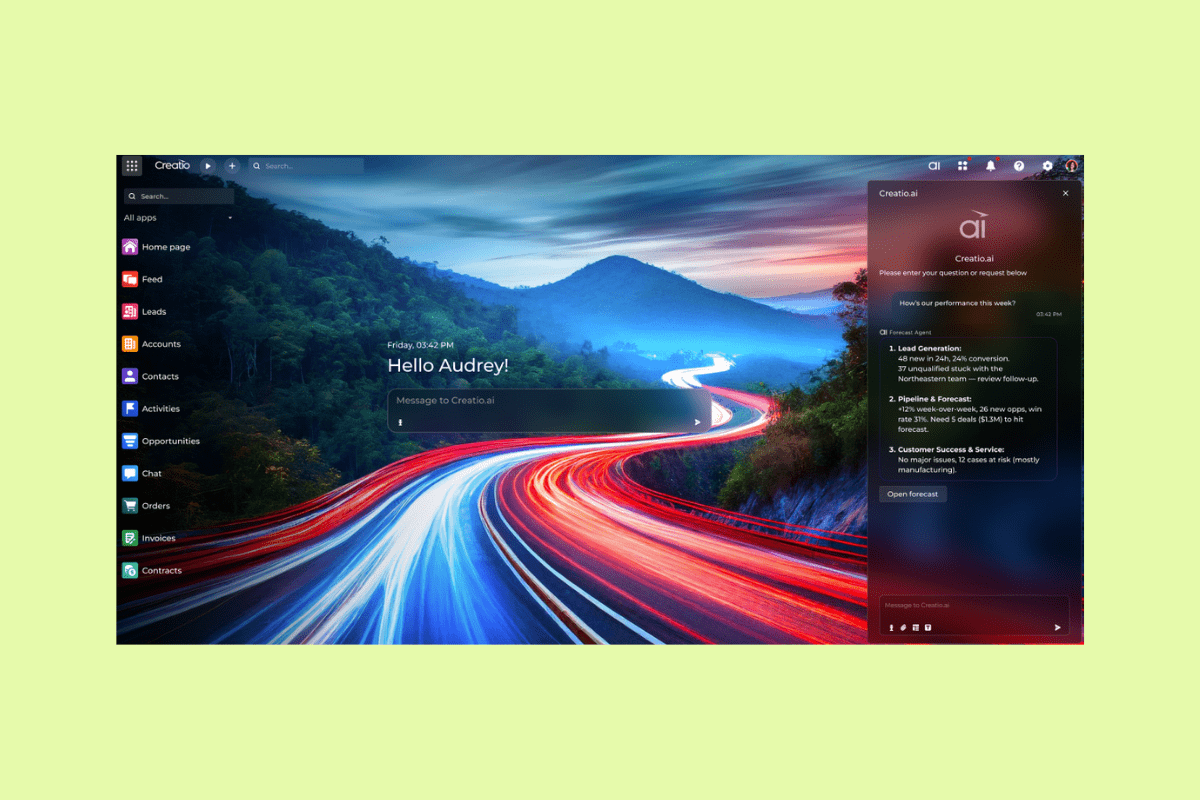
Creatio provides a no-code CRM, marketing, and customer service application platform. Businesses can use automated workflows to take over repetitive tasks and manage customer interactions. Additionally, Creatio offers dashboards that users can alter to track KPIs most relevant to their roles.
Another feature of Creatio is its out-of-the-box integrations, which connect with various third-party applications to fill performance gaps. Furthermore, the Creatio Copilot, an AI-powered assistant, helps users by providing intelligent insights, automating routine tasks, and offering recommendations.
|
Pros |
Cons |
|
|
What people are saying:
- "The platform allows organizations to adapt business processes quickly without heavy development effort, which significantly accelerates time-to-value. I also appreciate the flexibility of the platform, intuitive user experience, strong customer support, and continuous innovation, especially around AI-powered automation and workflow orchestration." - Verified user, G2.
- "This platform has a lot of features, so the initial learning curve can be high for new users. Set up and customisation also take a lot of time, especially for teams that are moving from a simpler CRM. Sometimes our team also find that this is slightly heavy if we need a basic contact and pipeline management-oriented CRM." - Verified user, G2.
- "One drawback of Creatio is that while the low-code approach is powerful, it can become complex when implementing highly customized or advanced logic, sometimes requiring deeper technical knowledge." - Verified user, G2.
15. Sage CRM
Best for sales forecasts
|
Starting price |
Free trial |
Key features |
|
Contact sales |
Unavailable |
|
Sage CRM provides various CRM solutions to aid businesses’ customer service, sales, and marketing endeavors. The software's native integration with other Sage products, such as Sage accounting and ERP solutions, provides a unified ecosystem where businesses can manage their operations. Its automation tools enable sales teams to manage leads, quotes, and orders.
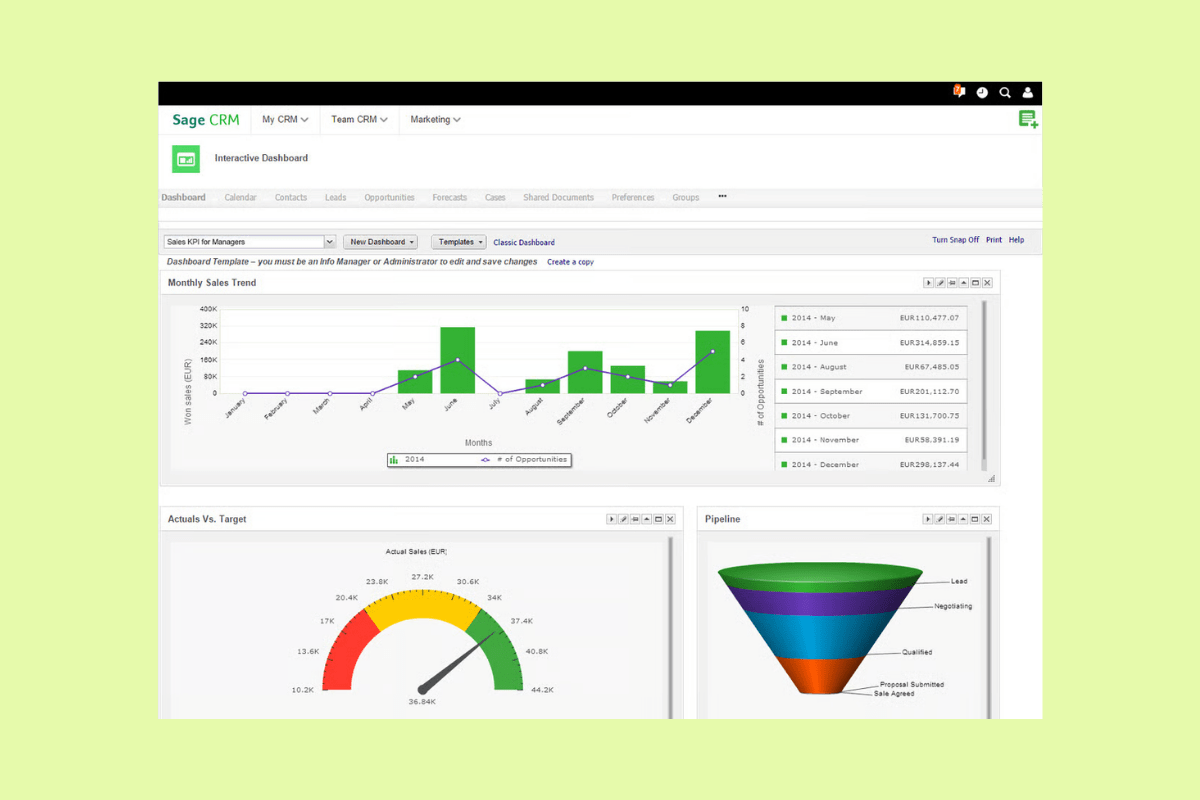
The platform provides a visual sales pipeline, allowing users to track deals at various stages and prioritize efforts accordingly. For marketing, Sage CRM offers campaign management tools, enabling businesses to plan, execute, and measure the success of their marketing initiatives. The platform's customer service module helps support teams manage customer inquiries as well as track and resolve issues.
|
Pros |
Cons |
|
|
What people are saying:
- "I like how Sage CRM offers easy access to customer and resources information, which proves useful for customer resource marketing." - Verified user, G2.
- "One drawback of Sage CRM is that the user interface can feel dated compared to more modern CRM platforms, which can impact usability and overall user experience. Navigation isn’t always as intuitive, and some tasks can take more steps than expected." - Verified user, G2.
- "The marketing automation features are basic compared to dedicated tools. It can do simple email campaigns and lists, but no real lead scoring, advanced nurturing sequences, or multi-channel marketing. Teams that need strong marketing will almost certainly need a separate tool." - Verified user, G2.
16. Copper
Best for Google Workspace
|
Starting price |
Free trial |
Key features |
|
$9 per seat/month (billed annually) |
14 days |
|
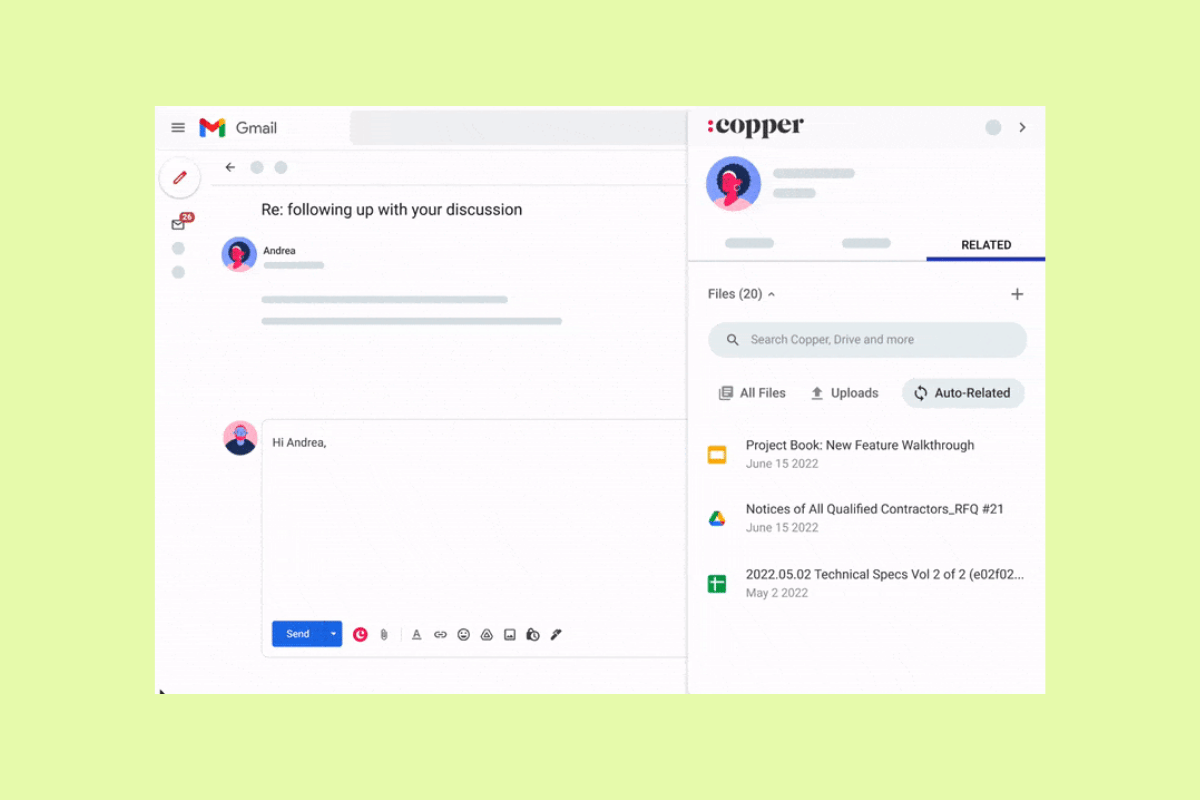
Copper is a cloud-based CRM software designed to integrate with Google Workspace. Copper lets users manage customer relationships without toggling between multiple platforms by embedding directly into applications like Gmail and Google Calendar.
Users can view contact details, update CRM records, and add new leads directly from their email interface. The global activity feed informs different teams of what other branches or departments are up to. Teams can also use the software to automate data entry by capturing interactions and populating the CRM with relevant information. The Copper visual sales pipeline allows sales teams to manage leads and track deal progress while identifying potential bottlenecks.
|
Pros |
Cons |
|
|
What people are saying:
- “Copper's tight integration with my Google Workspace is the biggest strength. It easily integrates with the Google Calendar and Google Drive, which makes my contact management easier.” - Verified user, G2.
- “Certain advanced reporting and customisation features are bit limited, compared to other larger enterprise CRMs. With the available features, pricing is also a bit higher on the scale.” - Verified user, G2.
- “Sometimes the automation functions are a bit limited or difficult to set up at first.” - Verified user, G2.
Learn more: Discover how Copper integrates with Zendesk.
17. Keap
Best for e-commerce
|
Starting price |
Free trial |
Key features |
|
$299 per month (two users, billed annually) |
14 days |
|
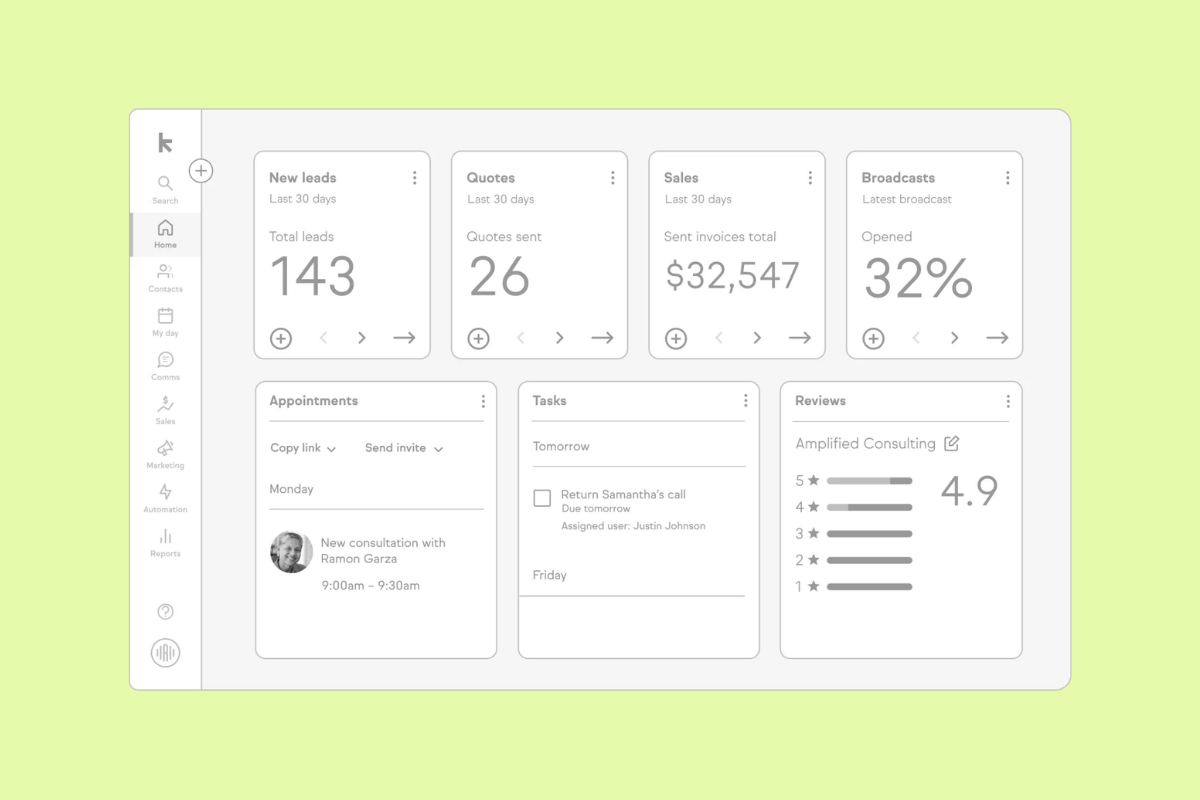
Keap provides multiple forms of automation software, positioning itself as a Salesforce alternative for small businesses. It offers tools that combine CRM, email marketing, and sales automation to help businesses simplify their operations. Users can design and automate personalized email campaigns, segmenting their audience based on preferences and previous interactions.
The platform's CRM system allows businesses to track leads, manage contacts, and monitor sales pipelines. Keap also offers e-commerce tools, enabling businesses to set up online stores, manage inventory, and process payments. Additionally, the software boasts appointment scheduling features, allowing clients to book appointments directly.
|
Pros |
Cons |
|
|
What people are saying:
- "I really like the automation builder in Keap. It allows me to set up automations that help manage our sales pipeline efficiently." - Verified user, G2.
- "Pricing is on the higher side and advanced concern can be a bit limited." - Verified user, G2.
- "It can feel overwhelming at first and some features take time to fully learn. I would love to see some more beginner friendly tutorials and simpler onboarding so a new user can learn it faster." - Verified user, G2.
18. Kustomer
Best for AI-powered CRM
|
Starting price |
Free trial |
Key features |
|
Contact sales |
Unavailable |
|
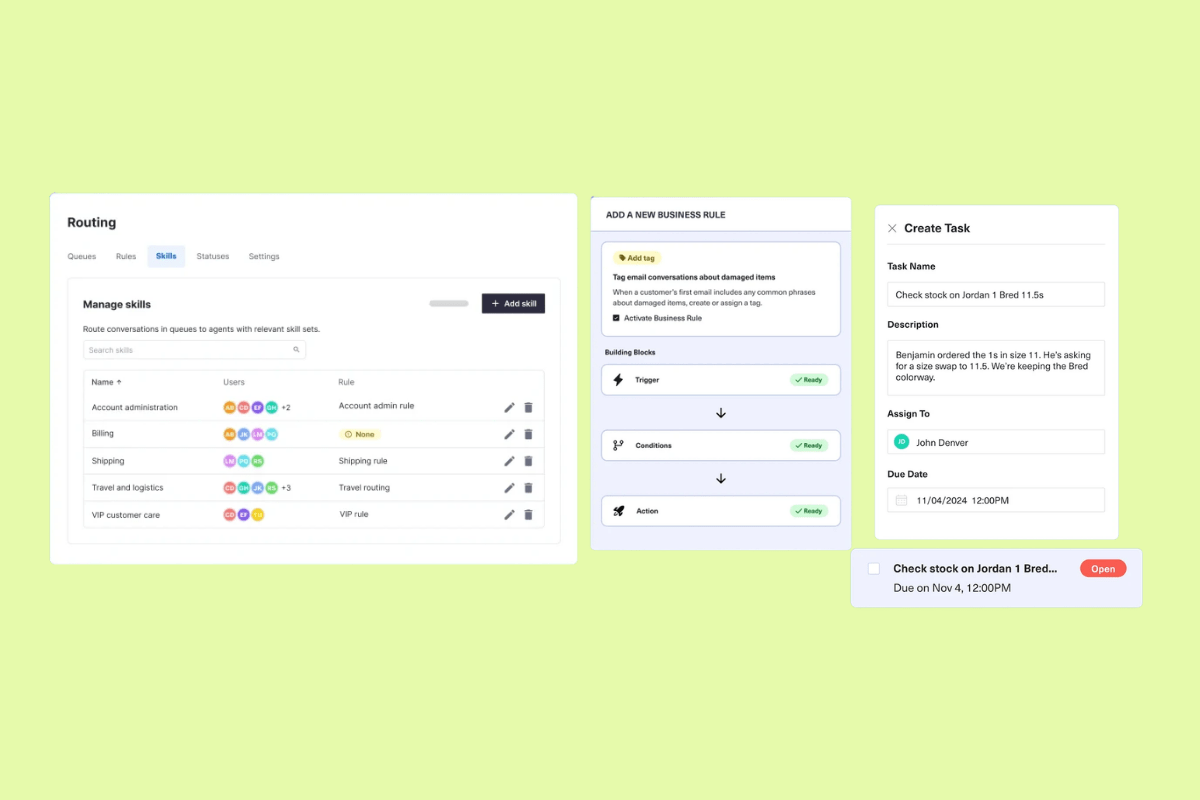
Kustomer is an AI customer service CRM that unifies customer data, omnichannel conversations, workflows, AI, and reporting in one platform. Its pricing page lists AI profiles, AI summaries, suggested responses, automated actions, routing, workflows, omnichannel messaging, reporting, and real-time supervision among available capabilities.
Kustomer may work for teams that need a support-focused CRM with customer timelines, AI-powered service tools, and workflow orchestration. Businesses should ask about setup requirements, usage-based costs, and implementation fees because Kustomer notes that some channel configuration may require a statement of work and implementation fee.
|
Pros |
Cons |
|
|
What people are saying:
- “Kustomer is a great tool for communicating with customers, understanding tickets and solving the queries, also organizing and segregating queues, and monitoring agent performance.” - Verified user, G2.
- “Overall, it’s very user-friendly, but there are times when I wish it offered a bit more flexibility or more advanced automation features to better align with specific support needs.” - Verified user, G2.
- “At times, the platform can feel overwhelming because of the sheer number of options and settings, which can make onboarding new team members more difficult and time-consuming.” - Verified user, G2.
Learn more: Discover how Zendesk vs. Kustomer compare.
19. Vtiger
Best for all-in-one CRM
|
Starting price |
Free trial |
Key features |
|
$0 for single app user |
15 days |
|
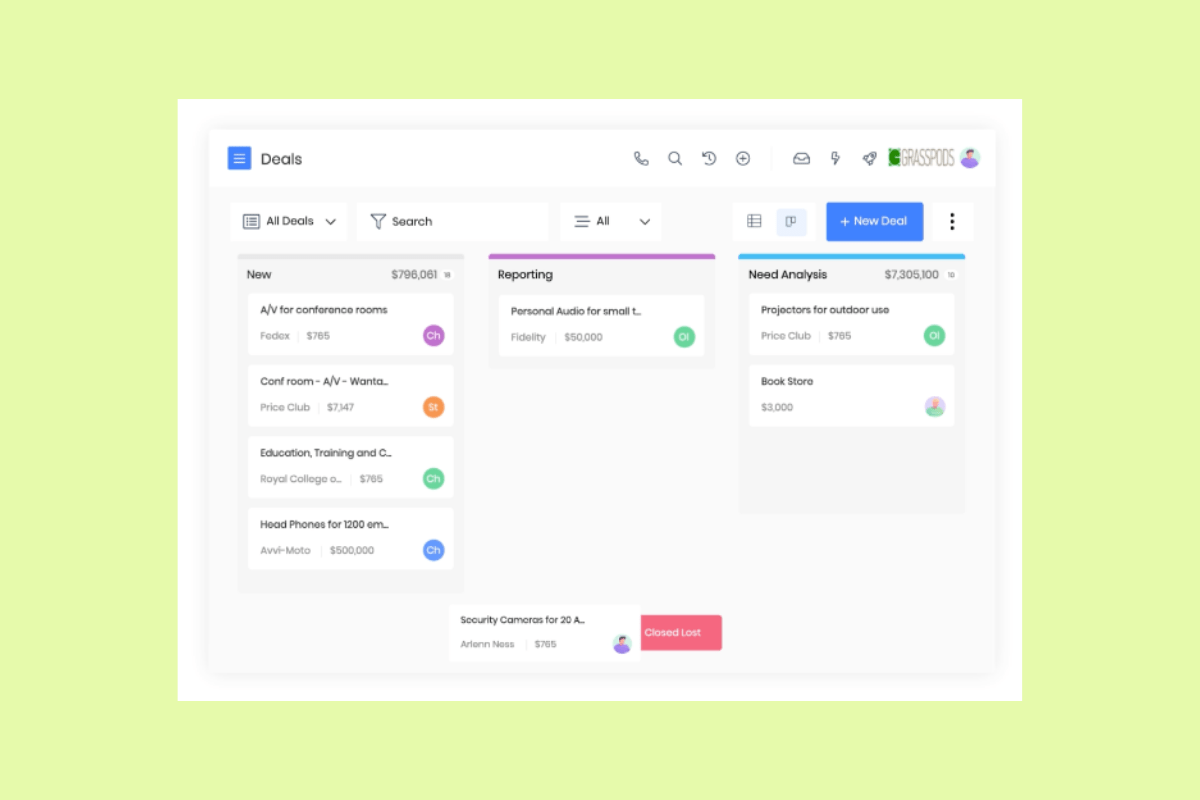
Vtiger is an all-in-one CRM platform for sales, marketing, and support teams. Its feature set includes sales automation, help desk tools, marketing capabilities, workflows, dashboards, and a shared customer view across teams.
Vtiger may fit small and midsize businesses that want CRM, support, and marketing tools without building a stack of separate systems. Its paid tiers include AI capabilities, lead routing, email tracking, sales forecasting, business process automation, and help desk features.
|
Pros |
Cons |
|
|
What people are saying:
- "The platform is very intuitive. The ability to design and modify workflows in a graphic nature was quite nice." - Verified user, G2.
- "Vtiger is good for Small and Medium businesses but not suitable for large enterprises due to its limited features." - Verified user, G2.
- "Customizations are challenging to set up, automation is in place but could work better, integrations are also an opportunity, and not having an embedded dashboard is something that should be in place." - Verified user, G2.
20. Gorgias
Best for Shopify customer support
|
Starting price |
Free trial |
Key features |
|
$40 per month (billed monthly) |
7 days |
|
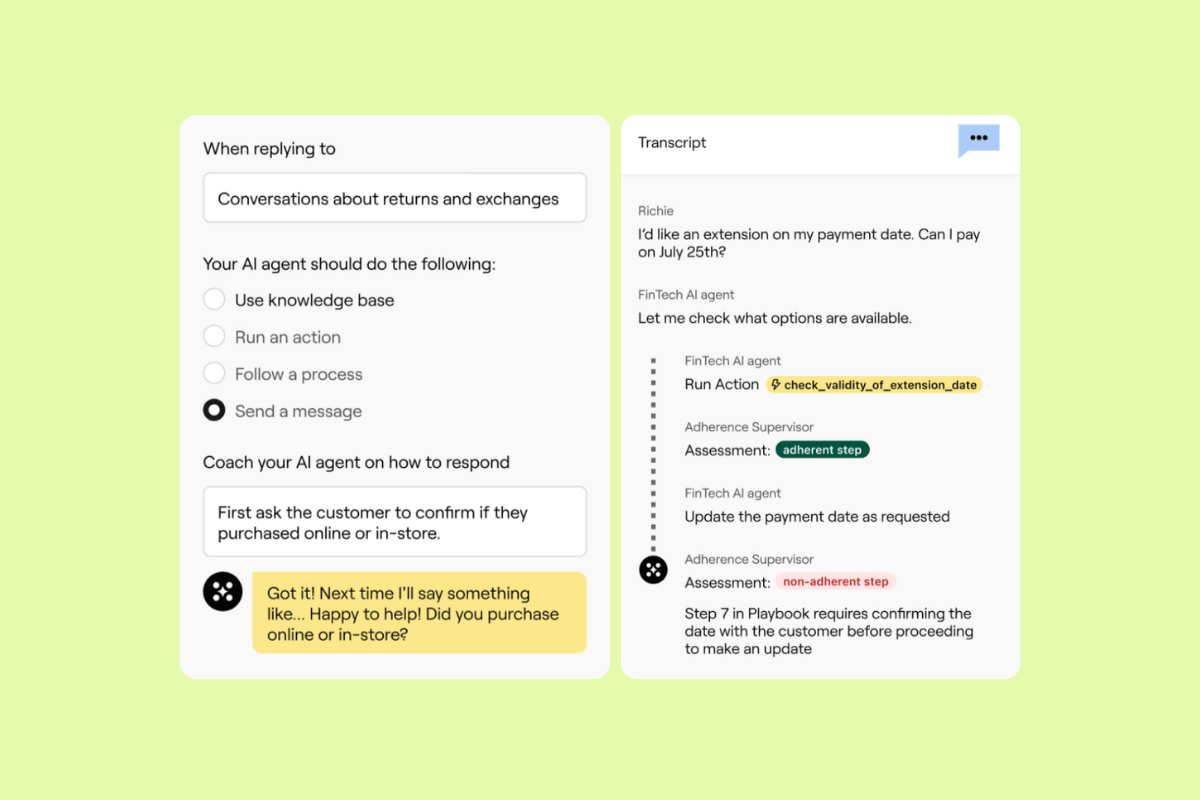
Gorgias is a customer experience platform for e-commerce brands, with a strong focus on Shopify support teams. It brings customer conversations into one inbox and connects support agents with order, customer, and revenue data.
Gorgias may suit online retailers that need to manage support across email, chat, social, and SMS while keeping Shopify context close to every conversation. Its AI Agent and automation tools can reduce repetitive support work for common e-commerce requests.
|
Pros |
Cons |
|
|
What people are saying:
- “I like that Gorgias is easy to set up and delivers reliable performance.” - Verified user, G2.
- “The AI Agent is powerful, but the training and knowledge base configuration can be complex. There are a lot of rule nuances and automation layers that require careful setup, and the learning curve can be steep when optimizing for more advanced use cases.” - Verified user, G2.
- “The price of the software is quite steep.” - Verified user, G2.
Learn more: Discover how Zendesk vs. Gorgias compare.
How to choose the best alternative to Salesforce
Use this scorecard to evaluate each Salesforce alternative against the outcomes your business needs to improve: revenue growth, customer satisfaction, and service quality. Then, weigh these outcomes against operational realities, including implementation effort, admin load, adoption, and time-to-value.
Establish the core capabilities your team needs
Start with the features your team will use every day. Most businesses need contact and account management, pipeline tracking, forecasting, reporting, and customer service tools if support is part of the workflow.
Avoid building a fragmented stack of add-ons to fill basic gaps. Too many disconnected tools can increase tool-switching, create inconsistent data, and make it harder for teams to see the full customer context.
Choose AI that improves daily work
Not all AI delivers the same value. Basic AI capabilities like lead scoring or forecasting surface useful insights, but role-based automation reduces repetitive work across sales, support, and employee service teams.
Look for AI that fits naturally into daily workflows. It should provide next best actions, automated triage, conversation summaries, sentiment cues, response drafting, and AI agents that resolve common customer questions. The best AI supports faster, more consistent work while keeping humans accountable for decisions and customer outcomes.
Prioritize customization without heavy IT cycles
Your team should be able to adjust workflows, dashboards, fields, and automation rules without long development queues. No-code and low-code tools can speed iteration, reduce IT bottlenecks, and make it easier to adapt as your business changes.
Still, flexibility can come with a learning curve. Ask vendors what enablement, templates, and admin support they provide so your team can move quickly without creating messy processes.
Validate integration and data flow across tools
A strong Salesforce alternative should connect with the systems your team already uses. Common needs include email and calendar sync, voice tools, marketing automation, ERP or accounting software, and support channels.
Ask vendors which integrations are available out of the box, how mature their APIs are, and how they handle data hygiene. Dedupe rules, field mapping, and sync logic can determine whether your team gets reliable customer data or more cleanup work.
Evaluate usability that drives adoption
A platform only creates value when teams use it consistently. Clean navigation, clear customer context, and simple workflows can improve data quality and reduce the manual work that slows teams down.
Look for adoption mechanics that guide the right behavior. This includes clear deal or ticket stages, exit criteria, required next steps, reminders, and automation that reduces manual entry. Such details make it easier for teams to keep records accurate and move work forward.
Compare pricing clarity and scalability
Pricing can vary widely across Salesforce competitors. Many tools charge per user or agent. Others offer outcome-based pricing, bundle products, require add-ons, or include onboarding and implementation fees.
Run a growth check before choosing a platform. Ask what happens to cost and complexity when you add teams, channels, workforce management software, AI features, advanced analytics, or new workflows. The best option should support growth without forcing a costly rebuild later.
Frequently asked questions

Limeade facilitates global expansion with Zendesk
“One of the reasons that Zendesk was so appealing was the fact that it connects to a lot of other systems. Being a technology company, it was crucial that we had the capability to be able to grow with other services.”
Ryan Putnam
Director of Customer Service
Read customer story
A simpler way to run customer conversations than Service Cloud
When Service Cloud feels too costly or complex for your service team, Zendesk offers a faster path to AI-powered support. With a unified agent workspace, AI-assisted resolutions, omnichannel workflows, and easier implementation, Zendesk gives agents the context and guidance they need to resolve issues faster and reduce manual effort. Start a free trial to see how quickly your team can improve customer conversations, service quality, and customer satisfaction.
Zendesk vs. the rest: Compare the software
Explore related articles on additional software providers.
Related posts

How companies thrive after switching from Salesforce to Zendesk
Explore this eBook to learn how companies of all types, large and small, have flourished after making the switch from Salesforce to Zendesk.

Top 5 reasons Salesforce customers are switching to Zendesk
An increasing number of organizations using Salesforce for support are switching to Zendesk in order to gain agility and innovation. Learn more in our guide.

What is customer experience? A comprehensive guide
Customer experience refers to all the interactions between a business and its customers. Learn why it's essential and how you can improve your CX strategy.

Guide to integrating Zendesk and Salesforce
It's easy to integrate Zendesk and Salesforce — and with plenty of flexible options, you can set it up in the way that makes the most sense for your business