Best 8 internal ticketing systems in 2026
Compare internal ticketing systems by intake and self-service, AI-powered workflows, integrations, and measurable SLA performance.

Last updated July 28, 2026
How we evaluated the top internal ticketing systems
The chances are you already know what an internal ticketing system does. The harder question is which platform fits your business—and which tradeoffs you’re willing to accept.
To build this list and rank the top 8 internal ticketing systems, we reviewed:
- Verified user feedback on G2
- Public product information
- Each platform’s employee service capabilities
We applied the same criteria to every product to keep the comparisons consistent and reduce bias.
We assessed:
- AI and automation: Whether the platform can reduce manual triage, resolve routine requests, and improve routing accuracy.
- Intake channels: How employees can submit requests across email, chat, portals, forms, Slack, and Teams.
- Self-service: Whether employees can find answers, access knowledge, and complete common requests independently.
- Workflows: How well the system manages routing, approvals, handoffs, tasks, and cross-department processes.
- SLAs and security: Whether teams can enforce service targets while protecting sensitive employee and business data.
- Reporting: How clearly the platform surfaces workload, bottlenecks, SLA risk, trends, and service performance.
- Integrations and setup effort: How easily the system connects with existing tools and how much technical work implementation requires.
- Scalability: Whether the platform can support rising demand, more departments, and greater workflow complexity over time.
Finally, we weighed the tradeoffs buyers face in practice. Some platforms offer deeper customization but require more technical resources. Others launch faster but provide less workflow depth, reporting, or cross-department scale. These findings shaped the platforms included and the “known for” labels used throughout this guide.
This guide compares eight leading options, outlines their strengths and limitations, and shows how to evaluate them against the metrics that matter most: new-hire time-to-productivity, repeat request volume, SLA performance, specialist capacity, integrations, and scale. By the end, you’ll have a clearer shortlist for your operating model and growth plans.
More in this guide:
- Best internal ticketing systems comparison chart
- Top 8 internal ticketing systems
- Benefits of internal ticketing systems for businesses
- Final verdict: Choosing the right internal ticketing system for your organization
- Frequently asked questions
- Build an internal help desk employees actually want to use
Best internal ticketing systems comparison chart
Use this chart to compare what each platform is known for, its starting price, and trial availability. Treat pricing as a starting point, since plan requirements, add-ons, billing terms, and seat minimums can affect total cost.
|
G2 ratings |
Starting price |
Free trial | |
|
4.3/5 (7000+ reviews) |
$19 per agent/month (billed annually) |
14 days | |
|
4.3/5 (988 reviews) |
$20 per agent/month (billed annually) |
7 days | |
|
4.3/5 (53 reviews) |
$29 per agent/month |
21 days | |
|
4.4/5 (3800+ reviews) |
$19 per agent/month (billed annually) |
14 days | |
|
4.4/5 (7800+ reviews) |
$7 per agent/month |
15 days | |
|
4.4/5 (428 reviews) |
$25 per agent/month |
15 days | |
|
44.3/5 (311 reviews).5/5 (10 reviews) |
$7 per agent/month |
30 days | |
|
$5 per agent/month (billed annually) |
Not available |
Top 8 internal ticketing systems
Using the criteria outlined above, we examined each platform’s strengths, limitations, and practical tradeoffs. The profiles below show how the leading options compare across internal support needs and long-term fit.
1. Zendesk
Known for: AI-powered employee service across departments
G2 rating: 4.3/5 (7000+ reviews)
|
Starting price |
Free trial |
Key features |
|
$19 per agent/month billed annually Explore more Zendesk pricing plans. |
14 days |
|
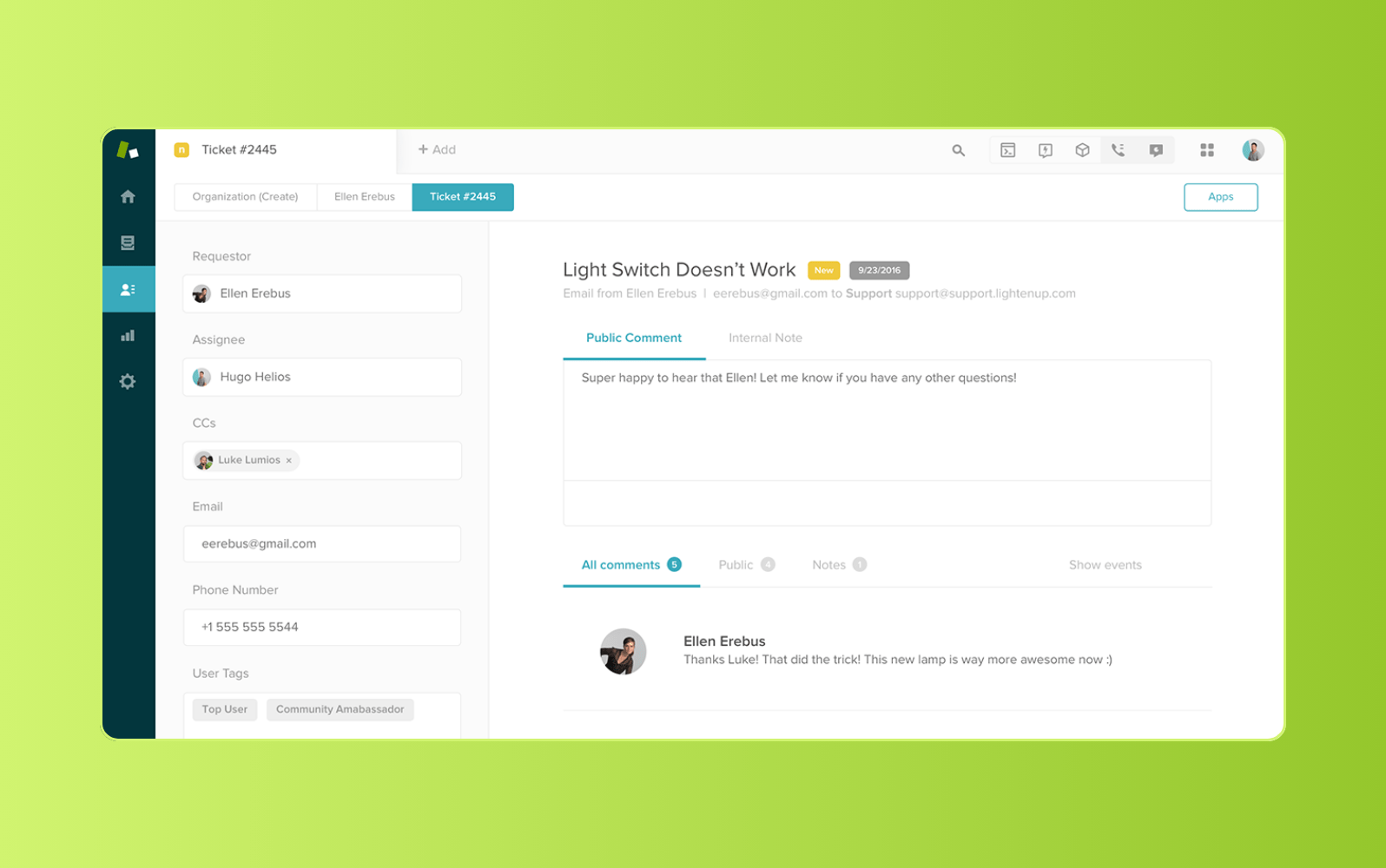
For organizations supporting IT, HR, finance, and other internal teams, Zendesk centralizes employee service in one workspace. Employees can request support through email, Slack, Teams, or a help center. Specialists manage conversations, SLAs, assets, and cross-department work from a unified agent workspace. Prebuilt templates and no-code administration reduce setup time and simplify expansion.
Zendesk AI is purpose-built for service and trained on more than 18 billion service interactions. AI agents resolve routine requests around the clock using knowledge from connected systems. Meanwhile, Copilot capabilities support agents, admins, and analysts with guidance, configuration, and performance insights. Availability varies by capability and plan, including newer features offered through early access.
Action Builder and AI agent action flows automate work across Zendesk and connected systems and IT asset management (ITAM) connects service requests with asset data. Tasks and approvals structure cross-team workflows, while Help Center and Knowledge expand self-service. More than 1,800 apps and integrations connect existing tools, and analytics, quality assurance, and reporting show where service is improving. Teams can start with one workflow and scale without rebuilding their service operation.
|
Pros |
Cons |
|
|
|
55M employees supported |
62% of employee requests automated |
95% employee satisfaction |
What people are saying:
- "A game changer for people operations." - Verified user, G2.
- "Centralizes internal requests and speeds up IT resolution." - Verified user, G2.
- "Easy to implement for the admin and easy to understand for agents." - Verified user, G2.

Unify employee service across every department
See how Zendesk connects intake, AI-powered automation, self-service, SLAs, and reporting in one flexible platform.
2. Jira Service Management
Known for: Atlassian-connected ITSM
G2 rating: 4.3/5 (988 reviews)
|
Starting price |
Free trial |
Key features |
|
$20 per agent/month (billed annually) |
7 days |
|
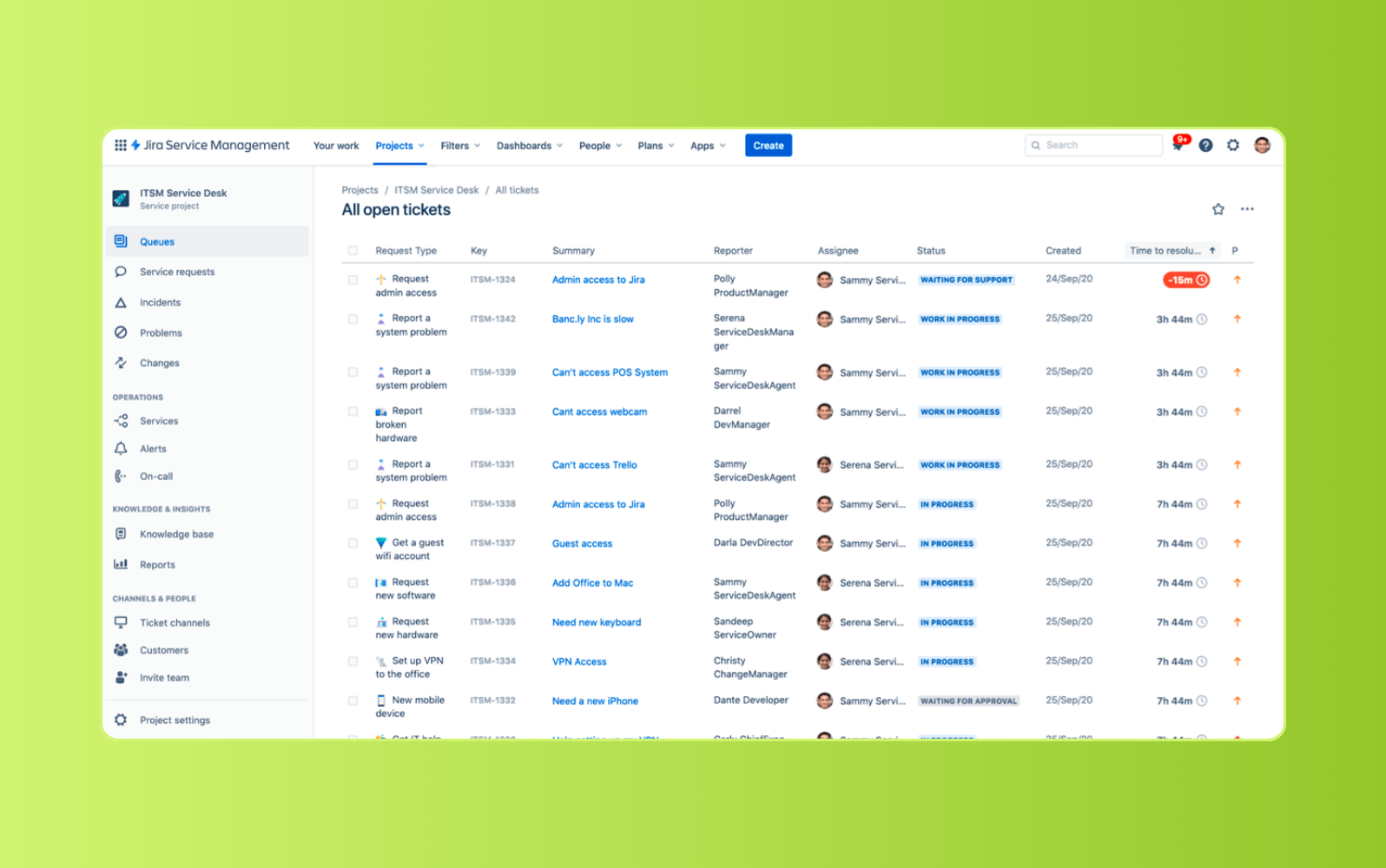
Teams already invested in Jira or Confluence can use Jira Service Management to centralize requests, incidents, changes, assets, and knowledge. Employees can submit requests through portals, email, Slack, Teams, chat, or embedded widgets. Configurable forms, queues, workflows, and automation support structured service delivery.
Standard includes Rovo-powered search and chat, asset management, configuration management, and a branded help center. Premium adds a virtual service agent, advanced incident management, problem management, and change management. This tiering creates a clear tradeoff: deeper ITSM functions require a more expensive plan. Teams outside Atlassian should also assess implementation effort and ongoing administration.
|
Pros |
Cons |
|
|
What people are saying:
- "Strong Jira/Atlassian integration, but pricing and licensing flexibility need work." - Verified user, G2.
- "Easy to use, but setup is time consuming." - Verified user, G2.
- "Very flexible for tickets but not self service." - Verified user, G2.
Learn more: Compare Zendesk vs. Jira
3. JitBit
Known for: Email-first help desk management
G2 rating: 4.3/5 (53 reviews)
|
Starting price |
Free trial |
Key features |
|
$29 per agent/month |
21 days |
|
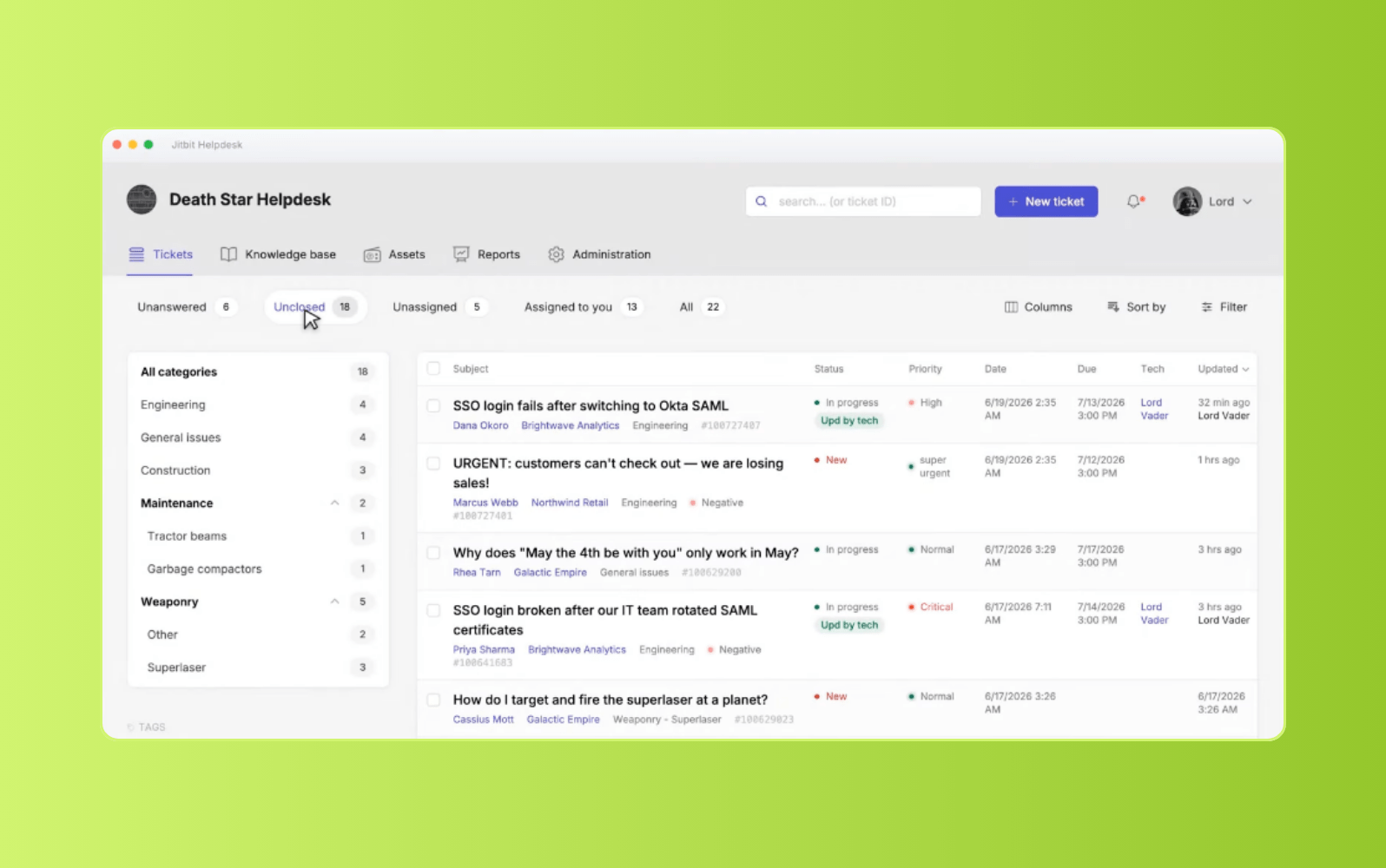
For teams moving beyond a shared inbox, Jitbit converts email, portal, chat, API, and integrated messages into tickets. It supports categories, tags, assets, time tracking, SLAs, knowledge, customer portals, and mobile apps. Organizations can choose cloud hosting or run the software on their own infrastructure.
Automation rules can route, categorize, notify, and escalate tickets based on defined conditions. Beyond this, AI tools summarize requests, draft replies, classify tickets, and suggest knowledge content. Reporting covers dashboards, custom reports, exports, and Power BI connections. The main tradeoff is packaging: hosted plans bundle fixed agent counts. Its email-first design may also feel narrow for teams prioritizing broader conversational channels.
|
Pros |
Cons |
|
|
What people are saying:
- "Effective but clunky and uninituitive." - Verified user, G2.
- "Easy to use with solid integrations, but missing a few features." - Verified user, G2.
- "Great for smaller to mid-size IT operations." - Verified user, G2.
4. Freshdesk
Known for: Customer support ticketing
G2 rating: 4.4/5 (3800+ reviews)
|
Starting price |
Free trial |
Key features |
|
$19 per agent/month (billed annually) |
14 days |
|
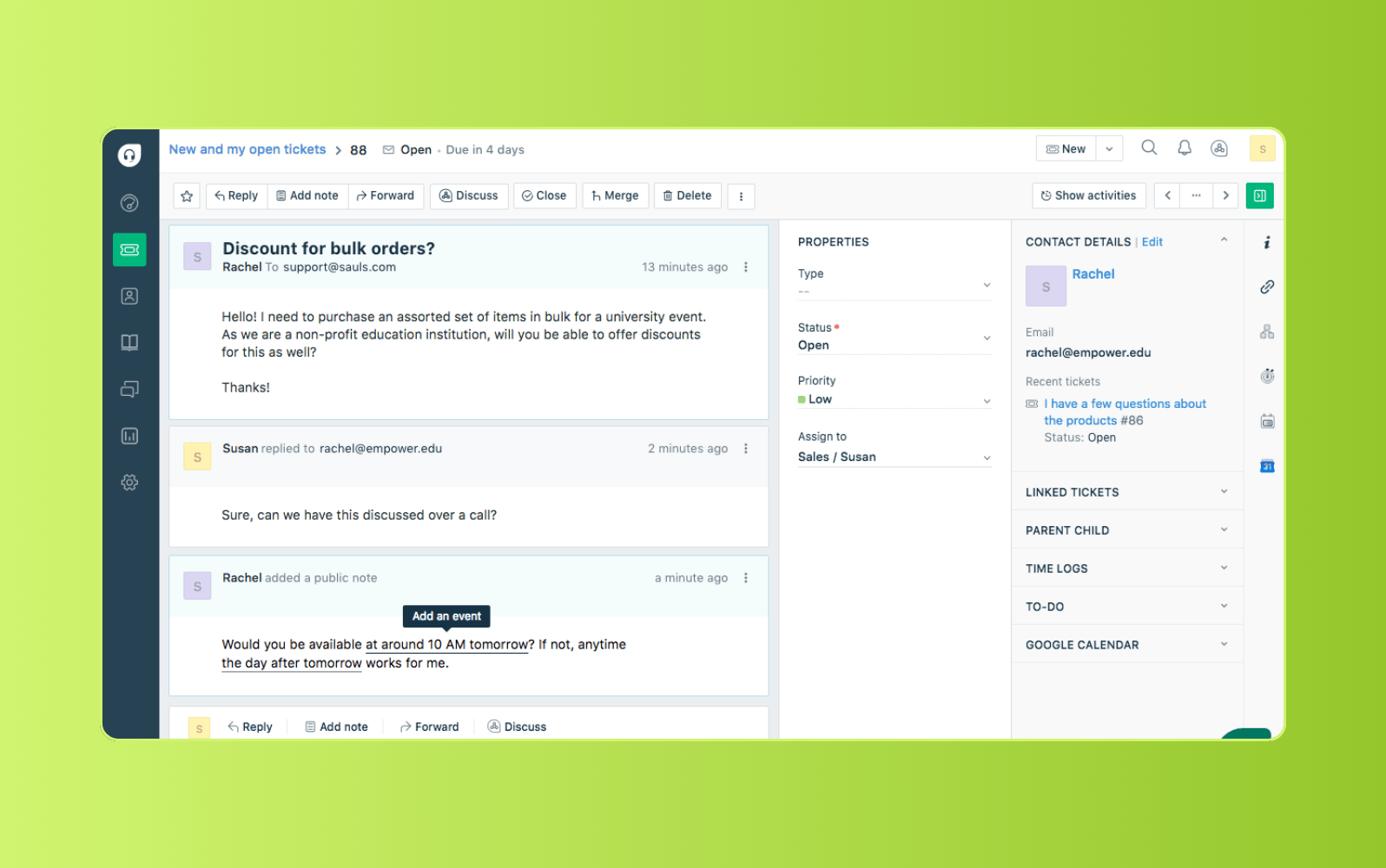
Built around customer support workflows, Freshdesk combines ticketing, shared inboxes, portals, and knowledge management for internal requests. Threads and tasks organize collaboration around each conversation. Growth includes standard analytics, roles, permissions, and limited Freddy AI Agent usage.
Pro adds intelligent routing, multiple SLA policies, custom dashboards, and external collaborators. With Enterprise, teams access skill-based routing, audit logs, sandboxing, and IP controls. The tradeoff is packaging: Copilot and several advanced controls require higher-tier plans or add-ons. Its published capabilities also center on customer support rather than full IT service management.
|
Pros |
Cons |
|
|
What people are saying:
- "Clean, intuitive interface, but ticket exports and AI features need work." - Verified user, G2.
- "Performance can slow a bit when handling a large volume of tickets at once." - Verified user, G2.
- "The initial learning curve can be confusing, especially for new users or small teams." - Verified user, G2.
Learn more: Compare Zendesk vs. Freshdesk
5. Zoho Desk
Known for: Workflows within the Zoho ecosystem
G2 rating: 4.4/5 (7800+ reviews)
|
Starting price |
Free trial |
Key features |
|
$7 per agent/month |
15 days |
|
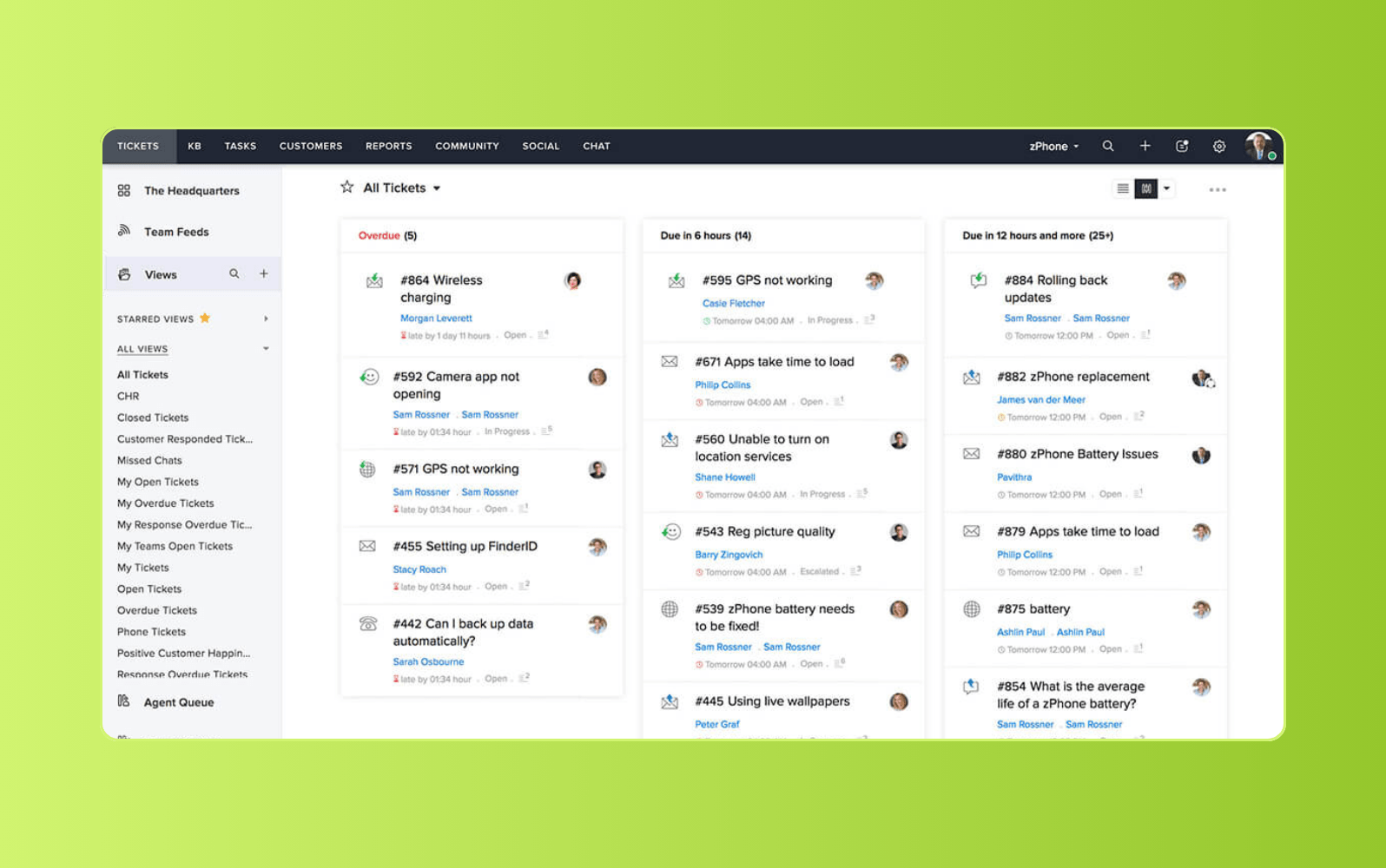
Organizations already using Zoho applications can manage ticketing, messaging, self-service, automation, and reporting within the same ecosystem. It supports email, web forms, social media, chat, phone, and instant messaging, depending on the plan. Teams can configure knowledge bases, escalation rules, dashboards, and assignment logic.
Professional adds Zia AI, Blueprint workflows, multiple departments, round-robin assignment, parent-child tickets, and webhooks. Enterprise also comes with skill-based routing, guided conversations, sandboxing, and multi-brand help centers. The tradeoff is plan fragmentation across AI, workflows, routing, and governance. Like Freshdesk, Zoho Desk primarily targets customer service rather than dedicated internal ITSM.
|
Pros |
Cons |
|
|
What people are saying:
- "Solid ticketing, but integrations and Zia AI need improvement." - Verified user, G2.
- "Great for organizing client tickets, though the interface feels plain." - Verified user, G2.
- "Easy interface, but setup and integrations feel pomplex—and performance is slow." - Verified user, G2.
Learn more: Compare Zendesk vs. Zoho
6. Help Scout
Known for: Shared inbox management
G2 rating: 4.4/5 (7800+ reviews)
|
Starting price |
Free trial |
Key features |
|
$25 per agent/month |
15 days |
|
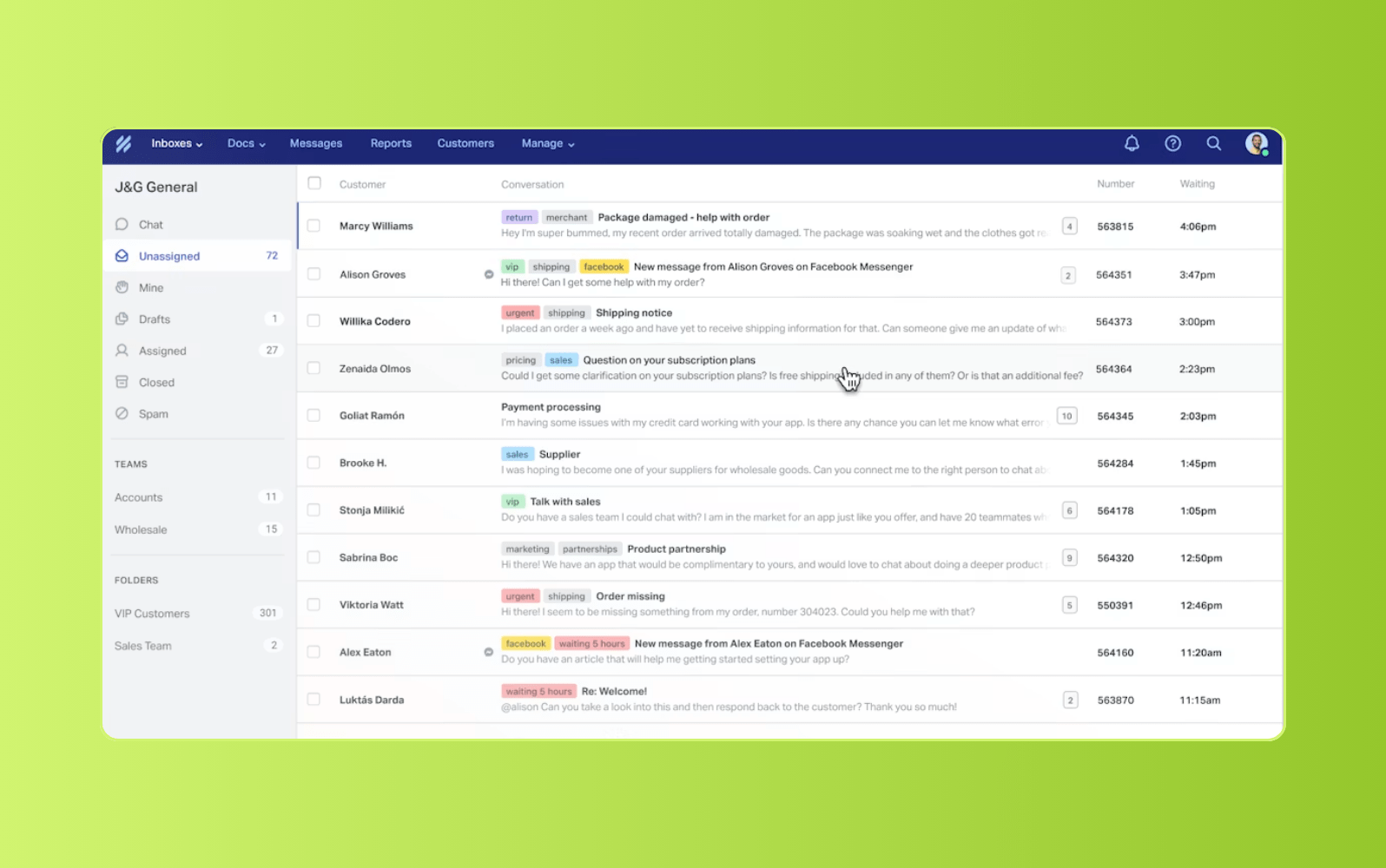
Shared-inbox teams can manage email, chat, messaging, knowledge, and lightweight ticket workflows in Help Scout. Conversations retain contact history, tags, saved replies, and private notes in one workspace. Docs and Beacon provide searchable self-service and embedded support.
Standard includes basic workflows and one SLA policy. Plus adds advanced workflows, round-robin routing, internal teams, and major CRM integrations. Pro expands routing, SLAs, security, and scale. The downside is limited operational depth on lower plans, while AI Answers carries a per-resolution fee. Complex ITSM workflows may require a more specialized platform.
|
Pros |
Cons |
|
|
What people are saying:
- "Sometimes I wish it had more advanced functionality." - Verified user, G2 review.
- "It has a friendly interface and requires no inputs of crazy data to work well." - Verified user, G2 review.
- "It is quite easy to use. Budget friendly." - Verified user, G2 review.
Learn more: Compare Zendesk vs. Help Scout
7. Zammad
Known for: Open-source ticketing
G2 rating: 4.5/5 (10 reviews)
|
Starting price |
Free trial |
Key features |
|
$7 per agent/month |
30 days |
|
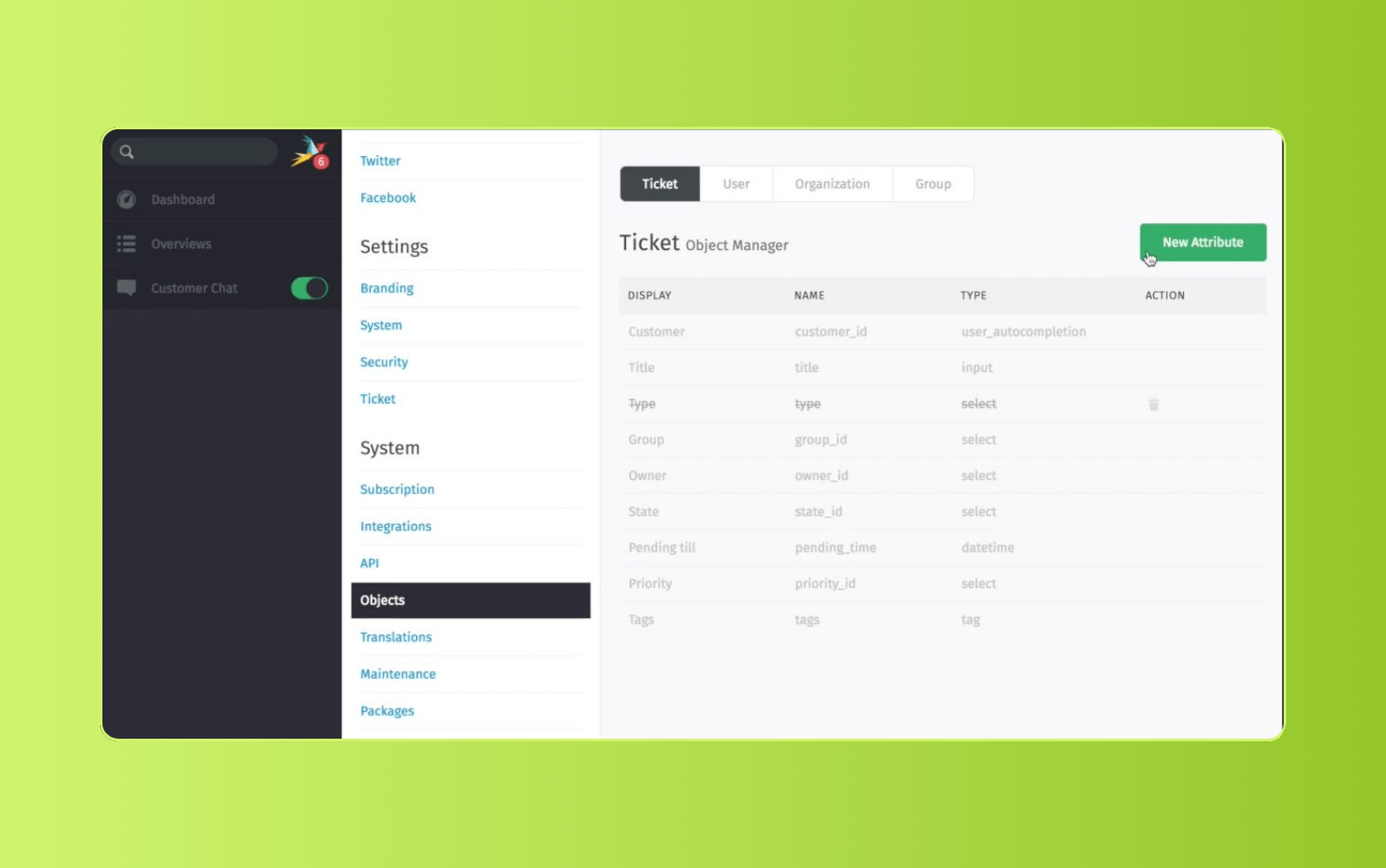
For teams seeking deployment control, Zammad offers hosted and self-hosted ticketing for internal and external service. It centralizes email, web forms, SMS, chat, Telegram, social messaging, and phone integrations, depending on the plan. The platform also supports knowledge, templates, groups, customer portals, and multilingual interfaces.
Triggers, schedulers, SLA rules, Core Workflows, reporting, APIs, and optional AI support more complex operations. However, the hosted Starter plan excludes SLAs, knowledge, and AI access. Core Workflows and broader reporting require Plus, while AI usage adds per-call fees. Self-hosting also shifts updates, backups, and availability to the customer.
|
Pros |
Cons |
|
|
What people are saying:
- "Free open-source ticketing system, but without a lot of polish" - Verified user, G2.
- "Some configurations can only be carried out in the command line interface." - Verified user, G2.
- "Web interface is not responsive, and miss a mobile friendly version" - Verified user, G2.
8. Spiceworks
Known for: Basic internal IT ticketing
G2 rating: 4.3/5 (311 reviews)
|
Starting price |
Free trial |
Key features |
|
$5 per agent/month (billed annually) |
Not available |
|
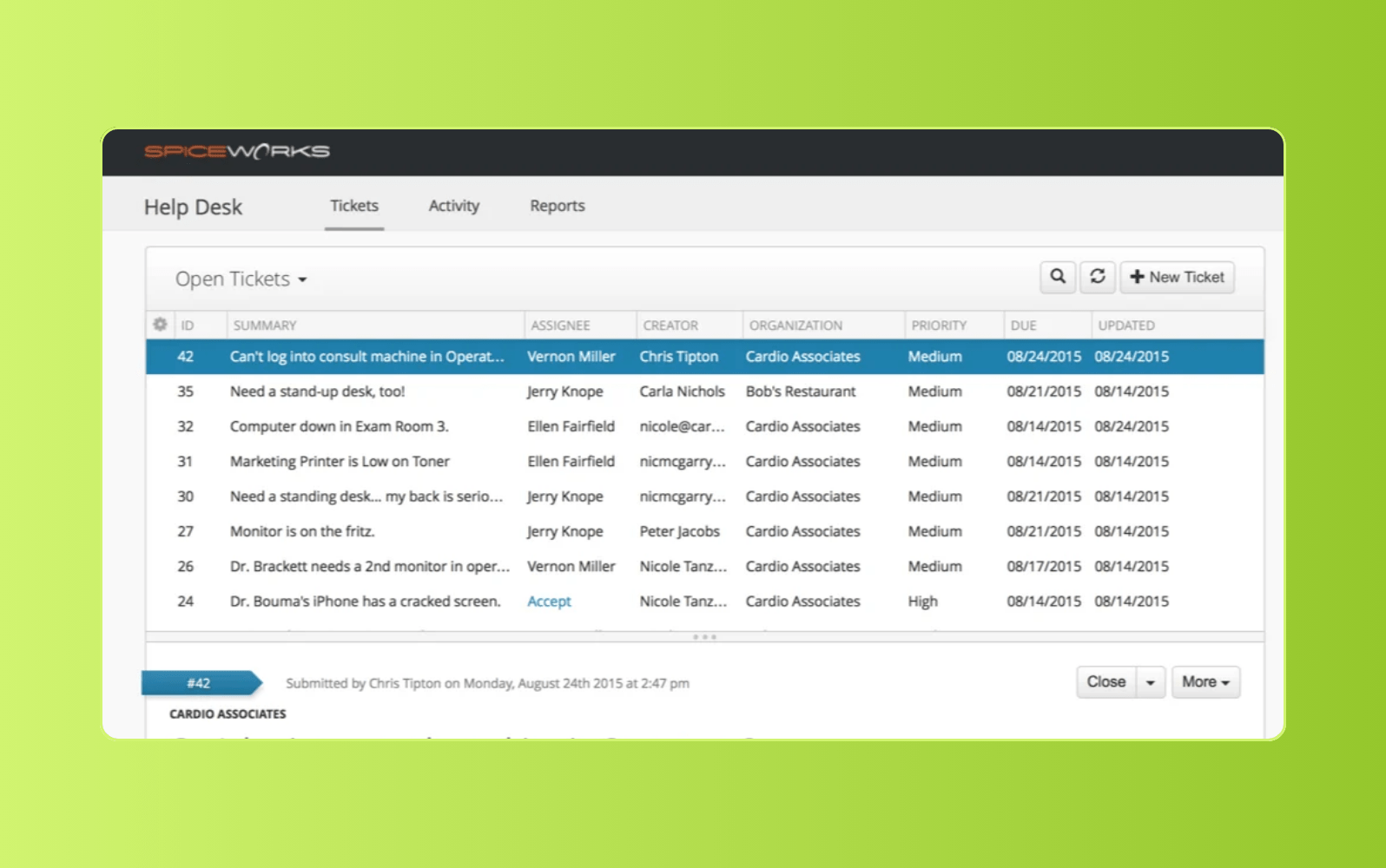
Small IT teams formalizing internal support can use Spiceworks Cloud Help Desk to manage employee requests in a straightforward queue. The platform includes ticket automation, workflow reporting, task lists, and bulk actions for organizing routine support work. Its simple interface and low-cost entry point make it accessible for teams moving away from email or informal request tracking.
The tradeoff is depth. Spiceworks may be sufficient for basic ticket management, but its workflow controls, integrations, mobile capabilities, and AI features are more limited than those of broader service platforms. That can make it less suitable for complex approvals, cross-department processes, or organizations planning to scale internal service over time.
|
Pros |
Cons |
|
|
What people are saying:
- "Help desk is good for the basics" - Verified user, G2.
- "Good for a free tool, searching is a pain." - Verified user, G2.
- "Great for a smaller company, but not a large one." - Verified user, G2.
Learn more: Compare Zendesk vs. Spiceworks
Benefits of internal ticketing systems for businesses
Internal ticketing systems do more than organize requests. They create clearer ownership, more consistent service, and better visibility into internal demand. This gives employees a more reliable support experience while improving team productivity and decision-making.
Faster and more consistent employee support
Standardized intake, routing, and escalation reduce lost requests, duplicate work, and uneven service. Clear ownership keeps requests moving and gives employees more predictable response times. Over time, stronger SLA performance and faster resolutions can improve employee satisfaction.
Increased operational visibility and accountability
Centralized request data shows managers where work is building, which SLAs are at risk, and how demand is distributed. That visibility strengthens workforce management, prioritization, accountability, and capacity planning. Teams can address bottlenecks before they affect service quality.
Smarter decisions with operational insights
Reporting and analytics reveal recurring issues, service trends, and process gaps. Leaders can use that data to improve workflows, expand self-service, refine knowledge content, and plan resources. Ticket data becomes an operational signal, not just a record of completed work.
Scalable internal service without increased complexity
As employee demand grows, standardized workflows, shared knowledge, and self-service reduce pressure on specialist teams. Organizations can support more employees without matching every increase in volume with added headcount. This lowers operational costs while protecting service quality and team capacity.
Final verdict: Choosing the right internal ticketing system for your organization
The right internal ticketing system should fit your workflows now and adapt as service demands grow. Don’t choose by feature count or starting price alone.
Compare how each platform handles the work employees and support teams complete every day. Focus on:
- Adoption: Can employees submit requests through familiar channels and find answers independently?
- Workflow depth: Can the system manage routing, approvals, SLAs, handoffs, and cross-department processes?
- AI and automation: Do these capabilities resolve work, reduce manual triage, and preserve appropriate access controls?
- Integrations and visibility: Does the platform connect core systems and surface workload, performance, and service risks?
- Long-term cost: Consider add-ons, implementation, administration, AI usage, expansion, and future migration needs.
For organizations seeking more depth than basic ticketing without heavy platform overhead, Zendesk combines intake, self-service, AI-powered workflows, integrations, and reporting in one service platform.
Once you select a platform, begin with one repeatable workflow, such as onboarding or access requests. Use IT ticket templates to standardize common responses, then measure SLA attainment, repeat demand, employee satisfaction, and specialist capacity. Expand only after the workflow delivers consistent results.
Frequently asked questions

Tesco boosts self-service rate for employees from 30% to 73%
“We’re constantly striving to improve the experience our colleagues have when they need help with something, and Zendesk is a big part of that. Delivering a quality experience is very much a top priority.”
Adam Bruce
Head of Product – Service Desk, Help & Automation
Read customer story
Build an internal help desk that employees actually want to use
The right internal ticketing system turns scattered requests into structured, trackable work. Centralized intake, automated routing, and clear ownership create more predictable support, so employees spend less time chasing updates and specialists face fewer interruptions. Support leaders also gain control over workloads, SLA risk, and service performance.
Zendesk unifies intake channels, self-service, AI-powered workflows, and reporting in one flexible platform. Start a free trial to centralize internal requests and build an employee service operation that scales.
Related internal ticketing system guides
Explore related guides on internal ticketing systems, employee service, IT support, and workflow automation to build more efficient internal operations.
Related links:

What is AutoQA? The smarter way to ensure service quality
Automated quality assurance gives you complete visibility into every customer interaction. Learn how AutoQA helps you deliver consistent service at scale.
Zendesk completes acquisition of Klaus
CX leader accelerates growth in workforce engagement management (WEM) and adds AI-powered quality assurance (QA) to help companies deliver intelligent customer experiences.
Ticket Forms in Zendesk Support
Ticket Forms in Zendesk Support help you gather specific information from customers so you can provide…
Schedules in Zendesk Support
With Schedules in Zendesk Support you can build workflows and analysis around the hours of your…