Article • 6 min read
A complete guide to AI copilots in 2026
Go beyond simple automation. Learn how AI copilots provide real-time assistance and insights to transform your daily work and accelerate outcomes.


Candace Marshall
Vice President, Product Marketing, AI and Automation
Last updated February 26, 2026


What is an AI copilot?
An AI copilot is an intelligent, conversational assistant integrated directly into your software. It enhances productivity by automating tasks, offering intelligent suggestions, and providing real-time insights. Powered by large language models (LLMs), an AI copilot functions as a context-aware partner that interprets your specific workflow to anticipate needs and execute complex actions in real time.
More in this guide:
- How does an AI copilot work?
- What are the different types of AI copilots?
- What are the benefits of AI copilots?
- AI copilot use cases
- Frequently asked questions
- Empower agents with CX-specific AI copilot software
Imagine having an executive assistant that lives directly inside your favorite apps and is ready to draft, analyze, and create alongside you. That is the power of an AI copilot.
Unlike a search engine that waits for you to ask questions, an AI copilot understands the real-time context of your work. Whether you’re replying to an email, crunching data, or building a presentation, an AI copilot anticipates your needs and queues up actions for you to review. You remain the pilot-in-command, but with a conversational, intuitive AI-powered partner that handles the heavy lifting in a non-robotic way.
Read on to explore how AI copilots work, the different types available, and the game-changing benefits of having one by your side.
How does an AI copilot work?
AI copilots work by connecting the user, their data, and a large language model (LLM). They use natural language processing (NLP) to interpret the user’s requests, understand the context of what they’re working on, and deliver responses or complete tasks—all through natural conversation.
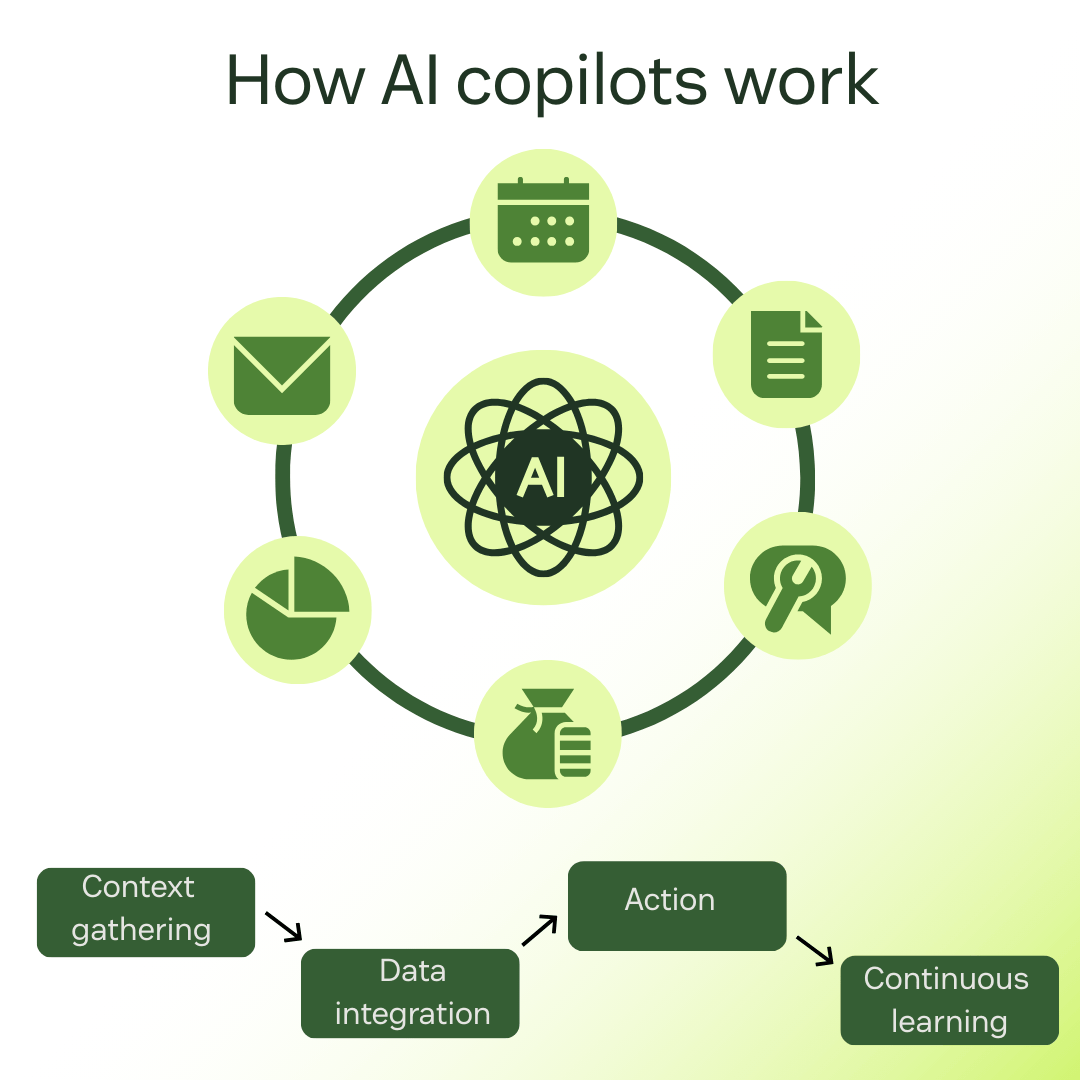
Unlike chatbots, which often function as a standalone app, an AI copilot is embedded within the user’s specific work environment, from email and CRM to customer service platforms. It considers inputs, context, and patterns to generate relevant suggestions, complete tasks, and offer insights.
AI copilots usually follow these steps:
- Context gathering: When you edit a doc or open a ticket, the copilot uses NLP to understand your intent and gather the context of your action. For example, when you’re drafting an email, the copilot also looks at your recent emails, chat threads, and calendar events.
- Data integration: The copilot connects to your internal data, knowledge bases, and systems.
- Action: Combining LLM and your data, the copilot performs the action requested, like drafting a chat response, scheduling a meeting, or analyzing a document).
- Continuous learning: AI copilot learns from your feedback and actions, so the more you use the software, the better the copilot gets in anticipating your needs and providing support.
Keep in mind that you’re in command, so the actions suggested by the copilot are only performed under your approval.
What are the different types of AI copilots?
The diversity of AI copilots allows them to cater to various needs and industries, so we’ve divided them into two categories:
General-purpose AI copilots
General-purpose AI copilots are versatile assistants that can handle various tasks, boosting individual productivity. Writing emails, creating content, providing summaries of complex information—general-purpose copilots integrate into operating systems and productivity suites. Some examples include Microsoft Copilot and Google Gemini for Workspace.
Industry-specific AI copilots
Industry-specific AI copilots are tailored to help those who work within a specific system. They offer specialized knowledge and support, grounded in the data and terminology of a particular field. They can be:
- Coding copilots, which assist developers with code snippets, debugging, and documentation writing. E.g. Amazon CodeWhisperer and GitHub Copilot.
- Sales and CRM copilots that connect with platforms like Salesforce to perform actions, such as customer interaction summarizations and email drafting.
- Security copilots, which are designed to help IT teams with security threats, incidents, and risk management. E.g. Microsoft Security Copilot.
- Customer service copilots integrated with help desk tools to assist agents with everyday customer experience interactions. We’re seeing the rise of AI agents that can autonomously navigate specialized software to resolve tickets or manage supply chains. E.g. Zendesk AI.
- Creative AI copilots, which help with creative tasks like writing, designing, or composing music. E.g. Grammarly and Jasper.
What are the benefits of using AI copilots?
Using an AI copilot is like having your own personal assistant to perform repetitive tasks, answer questions, or suggest actions. This enhances productivity as you’re able to shift your attention to more important tasks that require closer focus.
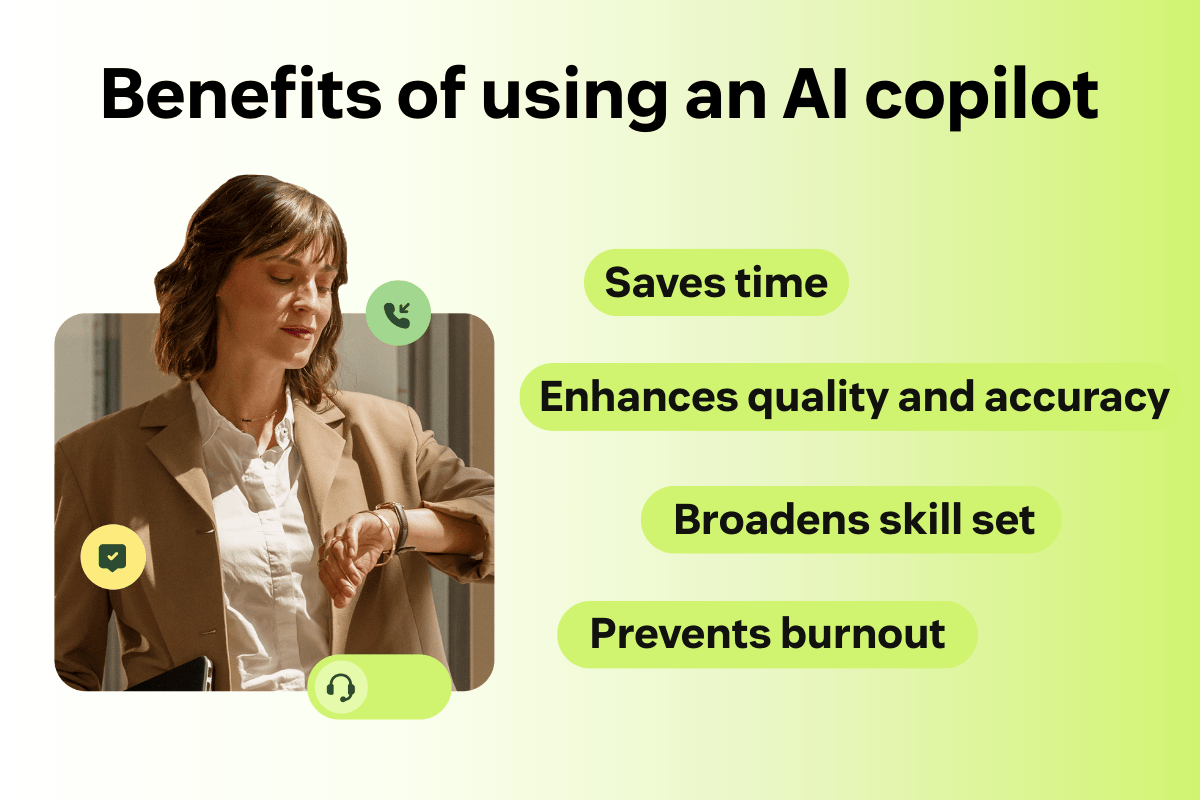
Here are four benefits of using an AI copilot:
1. Saves time
Automated drafting instantly generates emails, blog articles, or project drafts, while summarization provides key takeaways from long documents, presentations, or videos.
2. Enhances quality and accuracy
Everybody makes mistakes. An AI copilot can be your second set of eyes, helping you spot errors like inconsistent data, code bugs, or even compliance failures. Plus, it cross-checks your internal files with the project you’re working on to make sure they match, enhancing its quality and accuracy.
3. Broadens skill set
With an AI copilot, you can perform tasks that require a certain level of expertise, even if you don’t have it. For instance, it can provide you with complex Excel formulas or code scripts, so you don’t get stuck in a task that requires a skill you don’t have.
4. Prevents burnout
AI copilots can take a lot of the heavy-lifting off your shoulders by reducing cognitive load. It handles drudge work such as queuing up your follow-up tasks and organizing your calendar, eliminating the need for a mental checklist.
Plus, as the copilot works within the software you’re using, you don’t have to switch between tools and search engines to have the information you need. All these actions can make your work less stressful and demanding, which helps prevent burnout.
AI copilot use cases
You can use AI copilot for a great variety of industries and roles. We’ve listed some use cases for AI copilots by industry, so you can have a glimpse of its usage diversity.
Healthcare
AI copilots in healthcare are able to automatically transcribe patient visits into clinical notes, analyze CT scans, X-rays, and MRIs to spot anomalies, and automate insurance authorization or scheduling.
Software development
In software development, AI copilots can give real-time code suggestions, perform debugging, convert legacy code into modern languages, and even generate technical manuals from raw code.
Legal and compliance
AI copilots are excellent at analyzing contracts, searching for legal precedents, and mapping internal policies against government regulations for compliance.
Finance and banking
In finance and banking, AI copilots can flag anomalies in transaction patterns, turn raw spreadsheets into financial summaries, and come up with possible future scenarios for loan approvals.
Marketing, sales, and customer experience
AI copilots can generate voice-branded copy, customize cold emails based on a prospect’s profile, and enhance personalized customer service. Sophisticated copilot agents can even manage entire lead-nurturing campaigns by responding to customer inquiries in real-time.
These tools are designed to escalate seamlessly to human customer service, enhancing customer relationships and ensuring the perfect balance between efficiency and empathy. For instance, Zendesk’s AI Copilot can learn from customer interactions to provide targeted support rather than generic actions that would apply to any industry.
Frequently asked questions
Empower agents with CX-specific AI copilot software
Zendesk’s AI Copilot elevates the customer experience by seamlessly integrating into your support operations. Its intuitive design ensures that it’s easy to use and customize, allowing your team to quickly adapt it to meet your needs.
But what truly sets this AI copilot apart is its autonomous performance, which enables your team to stay in their flow, reducing cognitive load and preventing burnout. The result? Your agents can focus on high-stakes resolutions that require human expertise, while the AI autonomously handles the rest.


